Heavy rain can throw a balanced Cape Coral pool off in a few hours. A storm brings more than extra water, and pool chemistry after rain can shift before you even notice the sky has cleared.
In summer, that problem gets bigger fast. Heat, sun, and frequent rainfall work against steady water balance, so a small issue can turn into cloudy water or algae sooner than you expect. If you know what changes first, you can fix the water before it gets messy.
Why a Florida downpour changes pool chemistry so fast
Rainwater is not neutral pool water. It can be slightly acidic, and a heavy storm adds a lot of it at once. That drop in pH can make the water feel off and can irritate eyes and skin.
The bigger issue is dilution. When the pool takes on a large amount of rain, the sanitizer gets spread out over more water. Chlorine or salt chlorine has more work to do, so its strength drops.
Cape Coral storms also push in leaves, palm fronds, roof grit, pollen, and lawn debris. Runoff can carry fertilizer, soil, oils, and other grime from decks and yards. That extra load makes sanitizer work harder than usual.
Warm water adds another layer. In hot weather, chlorine burns off faster, especially when the pool is uncovered. So after rain, you often get a double hit, less sanitizer and more material for it to fight.
Rain can also change water balance in a more subtle way. A big storm may cool the pool, then the sun heats it up again by afternoon. That swing can slow recovery and make chemical readings bounce around.
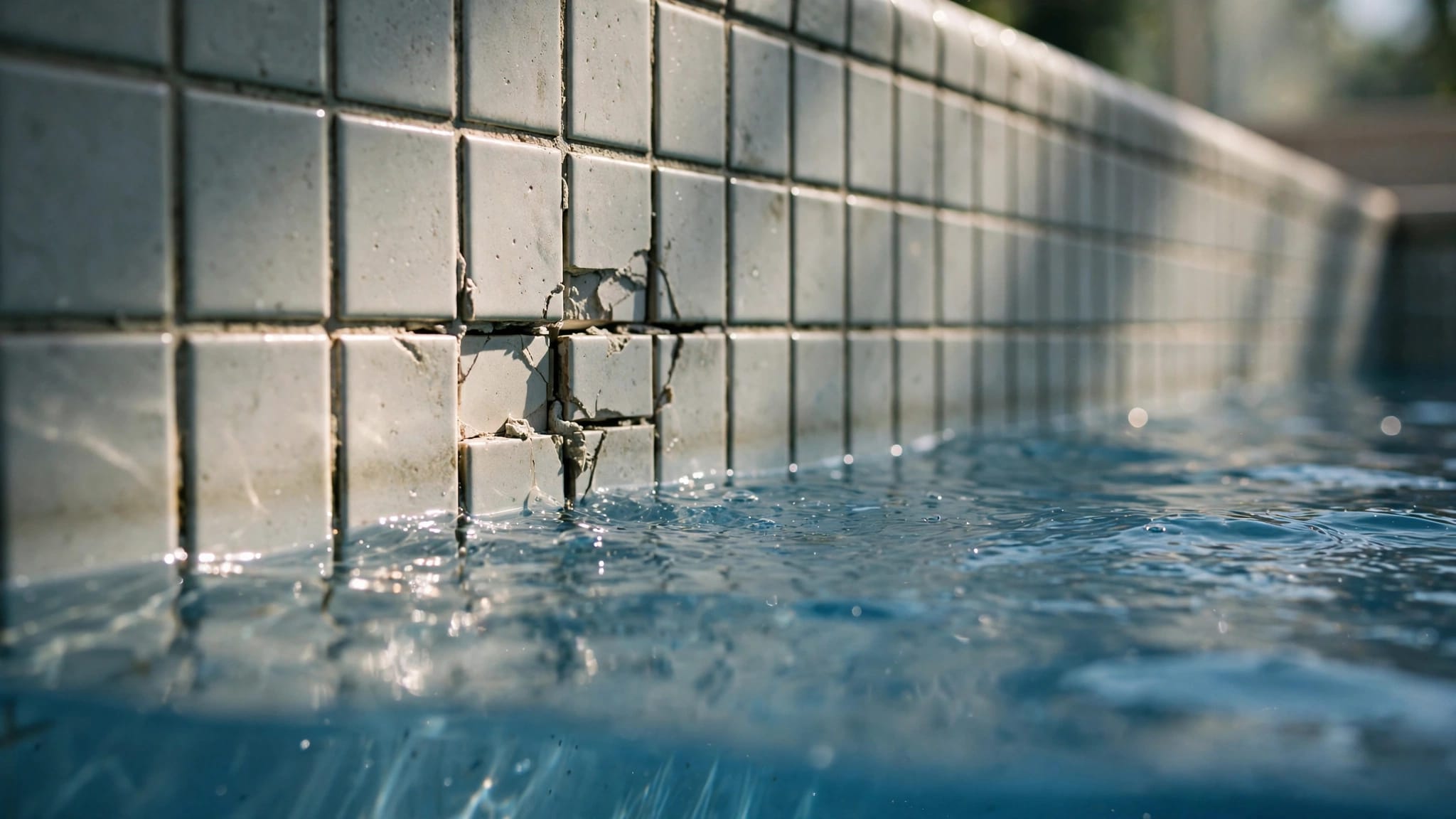
If the pool overflowed, the waterline may have crossed into a dirtier zone. That can leave a film on tile and send fine debris into the filter. At that point, the chemistry problem is only part of the picture. The whole circulation system has to catch up.
What to check first after heavy rain
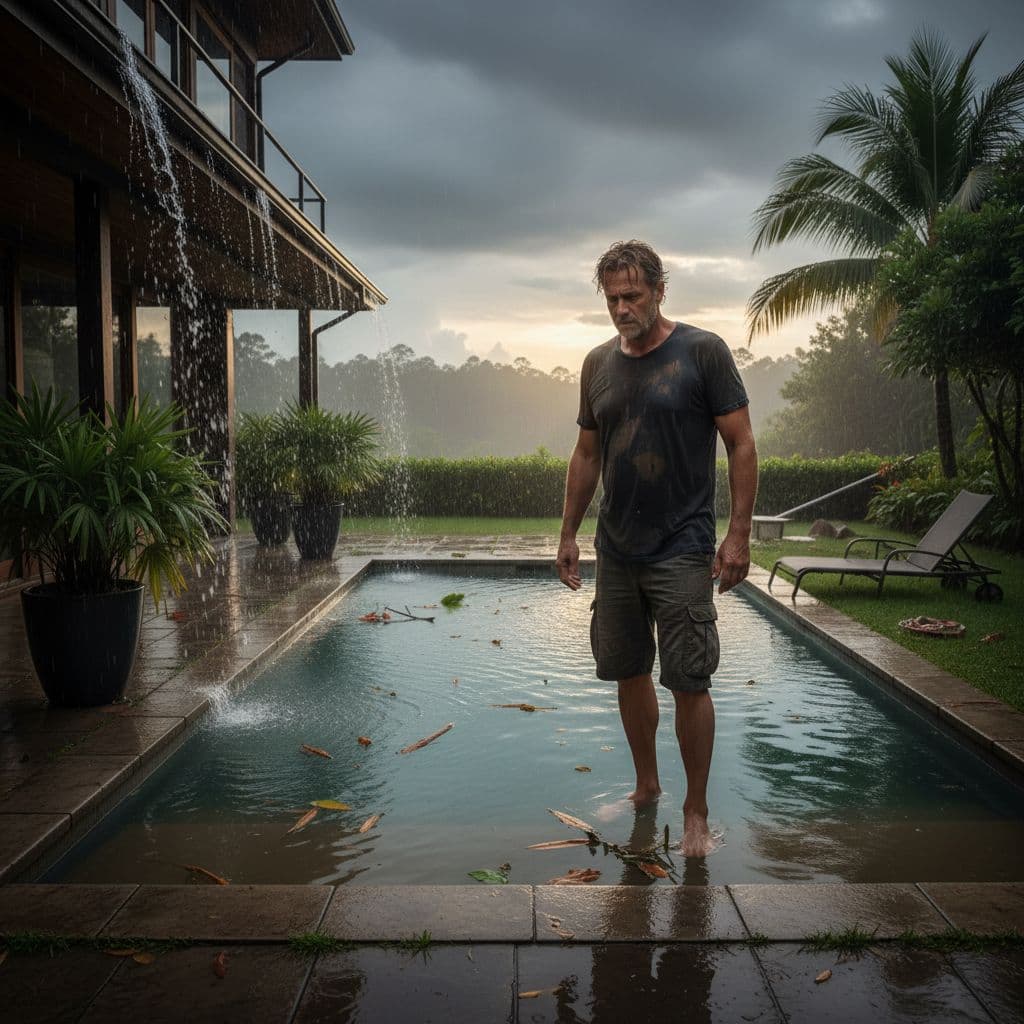
Start with the simple stuff. A calm check now can save you from chasing the wrong number later.
- Skim the surface and empty baskets. Leaves, seed pods, and roof debris can clog circulation fast. Clean skimmer baskets, pump baskets, and the cleaner bag if you use one.
- Check the water level. Heavy rain can raise the level high enough to affect skimming. If the water is too high, the skimmer works poorly. If it overflowed, watch for dirt lines and muddy edges.
- Look for runoff contamination. Brown water, cloudiness near the steps, or a ring of dirt along the deck can mean storm runoff reached the pool. That matters because the water may need more than a small chemical tweak.
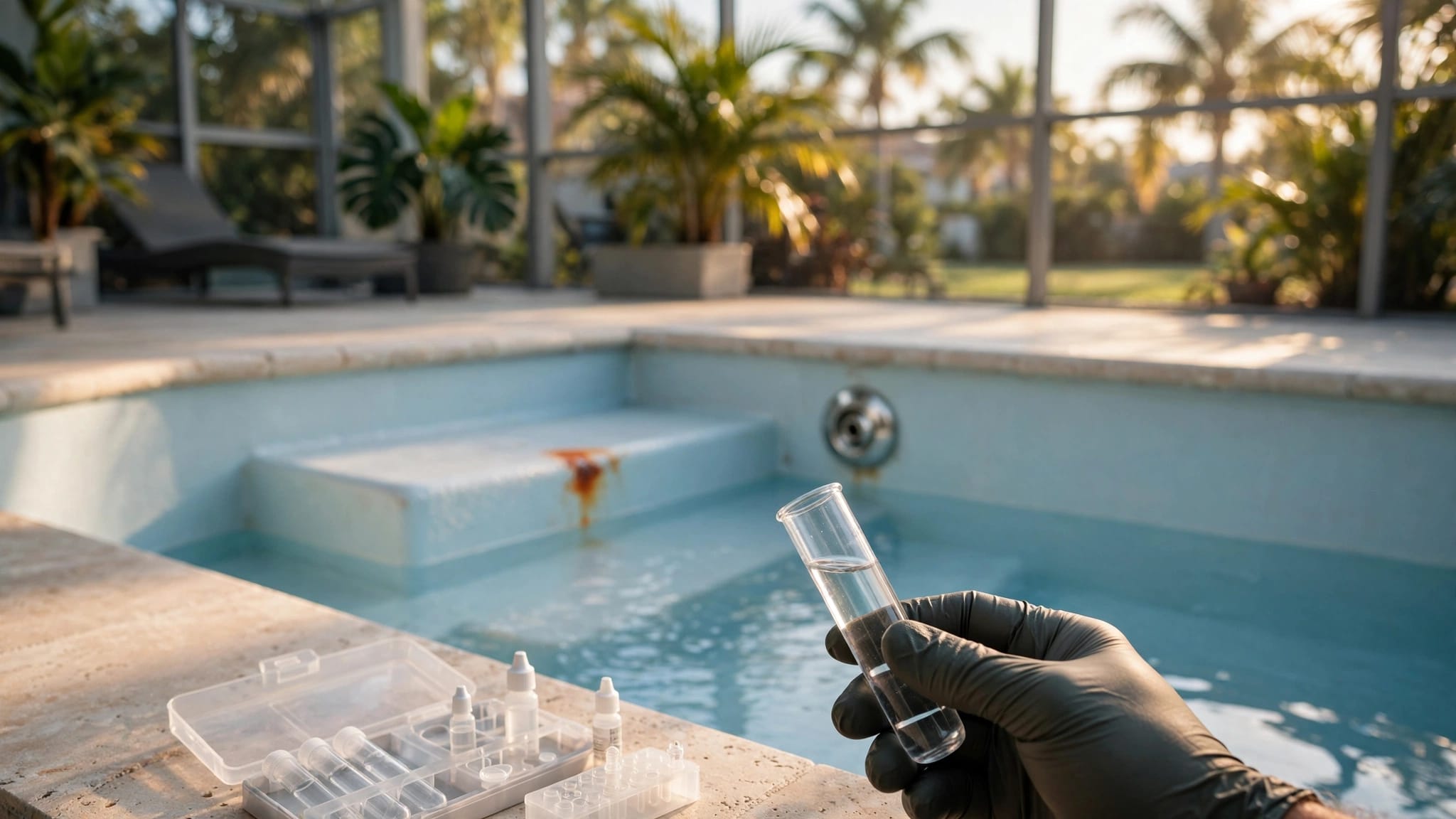
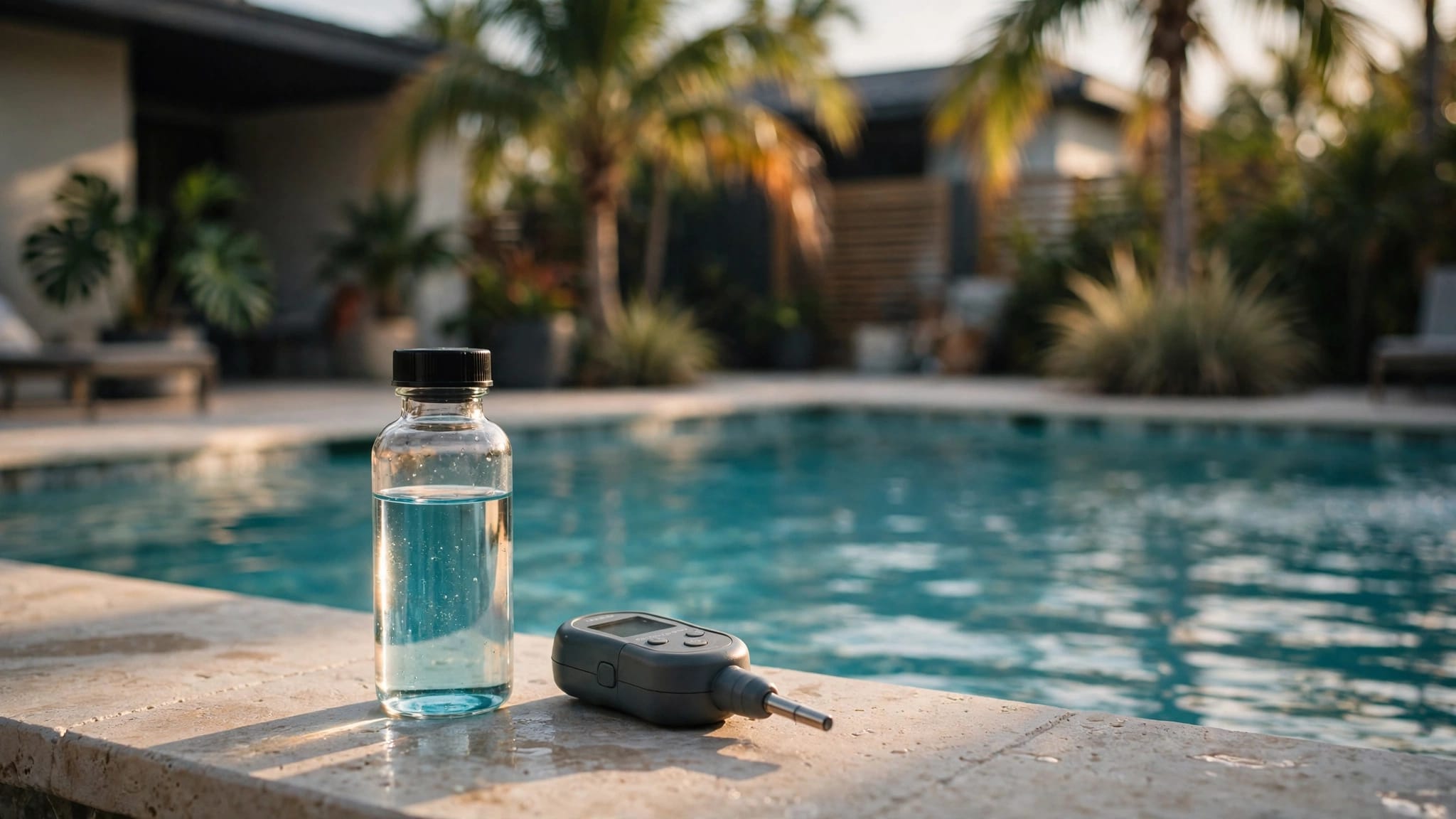
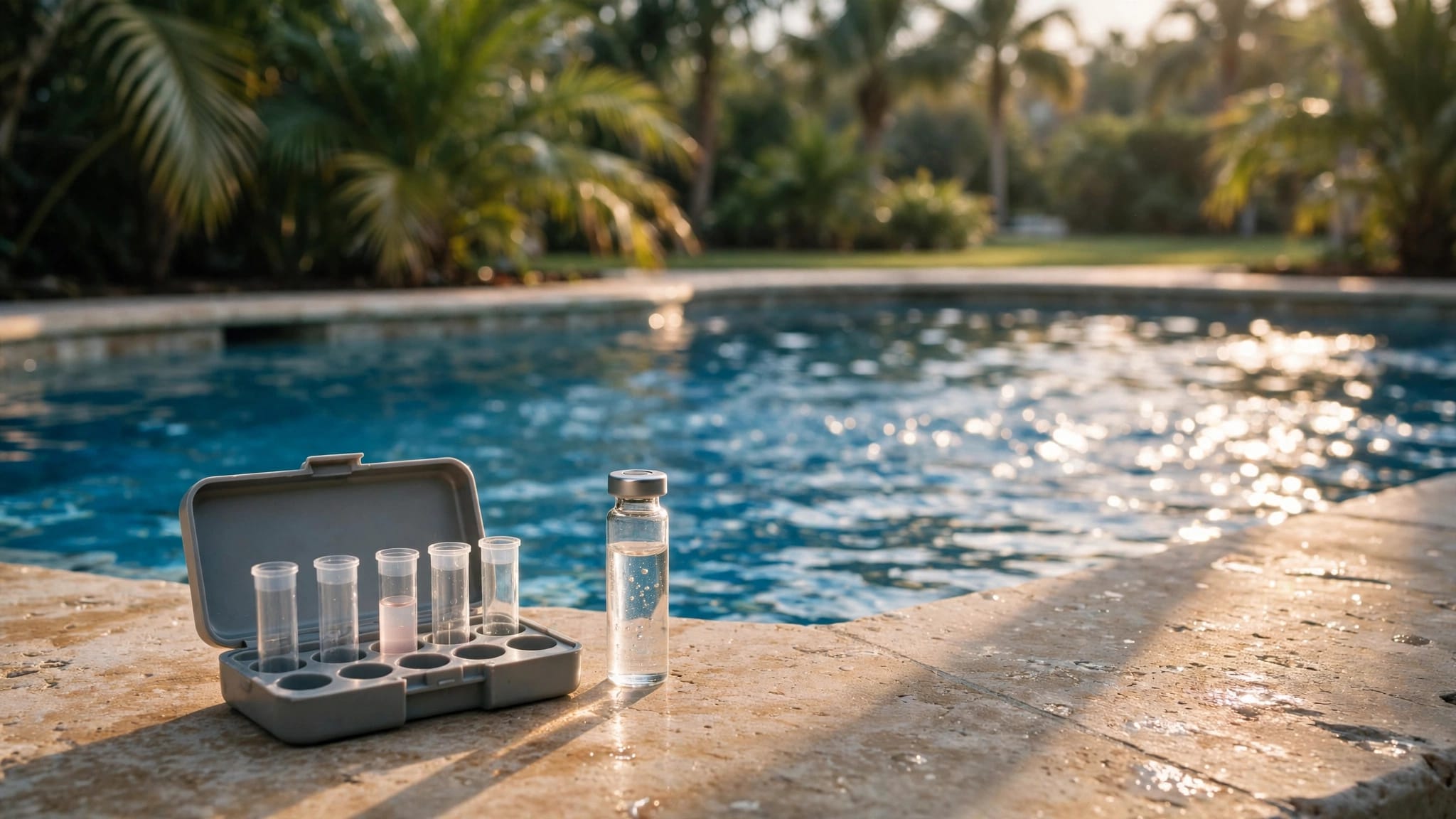
- Test sanitizer and pH first. These are the numbers that change fastest after rain. If sanitizer is weak, the pool can turn cloudy before you notice algae. If pH is off, chlorine works less well.
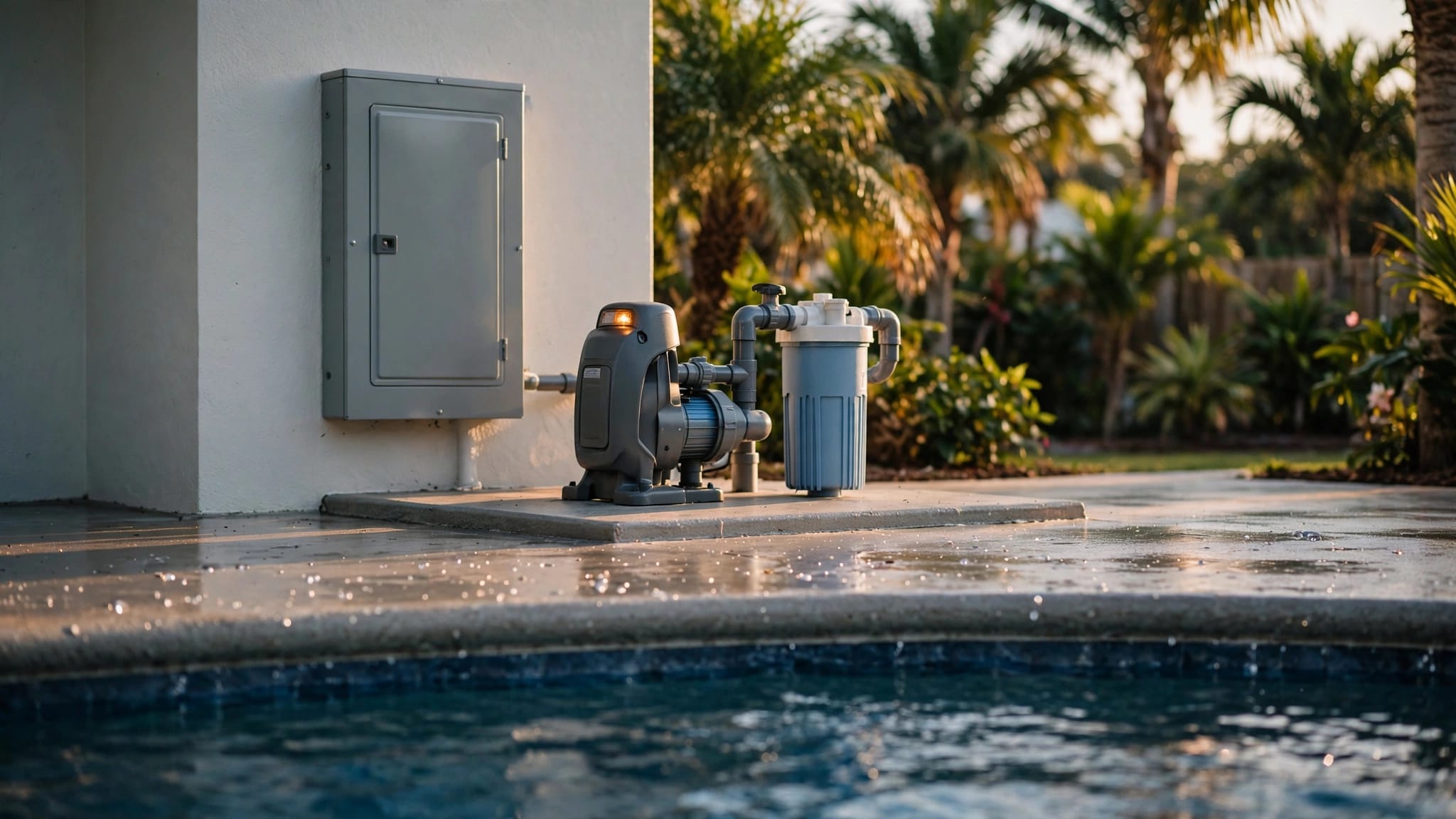
- Check circulation. Let the pump run long enough to mix the water before you make big changes. Still water hides problems. Moving water shows you the real condition of the pool.
If the water looks dirty, don't guess at the fix. Clean, test, then treat.
The safest order for fixing the balance
After a storm, the cleanest approach is the safest one. Work in order so one correction does not fight another.
Clean and circulate first
Remove debris before you add chemicals. A pool full of leaves or sand will keep burning through sanitizer, no matter how carefully you dose it. Once the surface is clear, run the pump so the water mixes evenly.
That step matters in Cape Coral, where storms can drop a mess in one afternoon. A pool that sits full of debris can look worse than it really is, but it can also hide a bigger problem. Clear water starts with clear circulation.
A few minutes of cleanup also tells you a lot. If the baskets fill fast again, or if the skimmer pulls in fine grit, runoff is probably still feeding the pool. That means the next round of testing matters even more.
Correct alkalinity if it is far off, then fine-tune pH
If the test shows alkalinity outside a normal range, adjust that first. Alkalinity helps keep pH from swinging around. Once it settles, pH is easier to dial in.
If alkalinity is close and pH is the main problem, focus on pH first. After heavy rain, pH often drifts low. That can make the water more harsh and can reduce chlorine performance.
Keep the adjustment small. Add a little, circulate, and retest. Big chemical swings can create a new problem while fixing the old one.
If total alkalinity is low, pH tends to bounce. If it is high, pH can drift and stay stubborn. That is why the order matters. You are not just chasing numbers. You are setting the pool up so the next rain does less damage.
Restore sanitizer last, then retest
Once the water is clean and pH is back in range, bring sanitizer back up. Chlorine should have a fair shot at doing its job now. If the pool still looks dull, give it time to circulate before adding more.
Saltwater pools need the same basic approach. The generator can only keep up when the water is balanced. If rain diluted the pool, the cell may need more run time after the chemistry is corrected.
If the water is cloudy or has a strong odor, don't keep stacking chemicals one after another. Retest after circulation. The numbers tell you more than guesswork does.
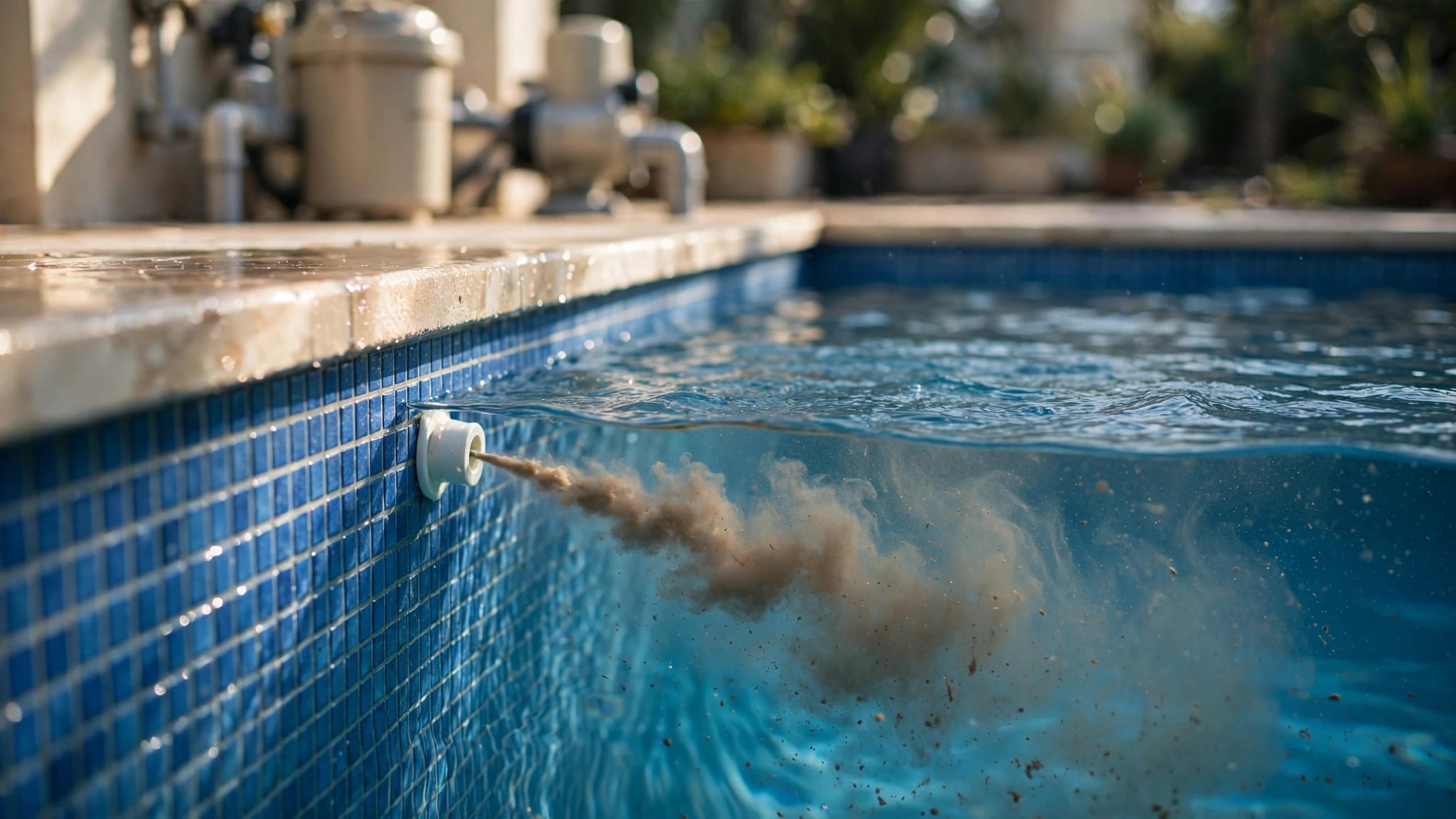
Watch the filter pressure, too. After a storm, pressure can climb because the system is catching fine debris. A dirty filter slows recovery and can make the water look hazy longer. If backwashing or cleaning the filter does not help, the problem may be runoff, not just dirt.
When storm water is a sign of a bigger problem
Sometimes the chemistry issue is only part of the story. If the pool gets dirty every time it rains, the source may be outside the water.
Broken or loose screen panels can let in more leaves and roof debris. Poor drainage can send yard water straight toward the pool deck. Gaps in coping, low spots in the yard, and clogged gutters can all feed the same cycle.
That is where a repair or upgrade may help more than repeated shock treatments. A cleaner screen enclosure, better drainage, or resurfacing around the waterline can make after-storm cleanup easier. For homeowners comparing ongoing service with bigger projects, the average cost to maintain a pool in Cape Coral is a useful place to start.
If heavy rain keeps pushing your pool out of balance, Get a Free Estimate for an onsite look at the water, the deck, and the equipment. That can help you sort out whether you need routine care, repairs, or a larger fix.
Keeping your pool steadier through storm season
Cape Coral weather does not give pool owners a long break. Summer storms show up fast, and heat makes the water work harder between them. That is why small habits matter.
Check the pool after every heavy rain, even if it looks fine from the house. A quick skim, a water-level check, and a simple test can stop a minor imbalance from turning into a cloudy pool. Keep an eye on how often runoff reaches the water, too, because that pattern tells you whether the problem is chemistry, drainage, or both.
Some owners also use smart pool automation systems for Cape Coral homes to keep pump schedules steadier after storms. That can help the water recover faster when the weather keeps changing.
Conclusion
Heavy rain changes pool chemistry because it dilutes sanitizer, stirs in debris, and brings runoff with it. In Cape Coral, that effect shows up fast because heat and frequent storms keep the pressure on your water balance.
The best first move is simple. Skim debris, check the water level, test sanitizer and pH , then correct the water in the right order. If the same storm keeps causing the same mess, the problem may be drainage, screen damage, or another issue around the pool, not just the water itself.
A pool can bounce back after rain, but it needs a clear first step and a steady process.