Florida's heat, sudden rain, pollen, and wind-driven debris can load a pool filter faster than many homeowners expect. When you know how to backwash pool filter systems , you can restore flow without guessing at the valve or wasting water.
Sand and diatomaceous earth (DE) filters use different cleaning cycles. The safe method always starts with the same rule: turn off the pump before changing a valve setting. Use the pressure gauge, your equipment manual, and the steps below to clean the filter without damaging the system.
When to Backwash Pool Filter Systems in Florida
Backwashing reverses water flow through the filter and sends trapped dirt out through a waste line. Because it also removes pool water, it should follow the filter's condition, not a fixed weekly schedule.
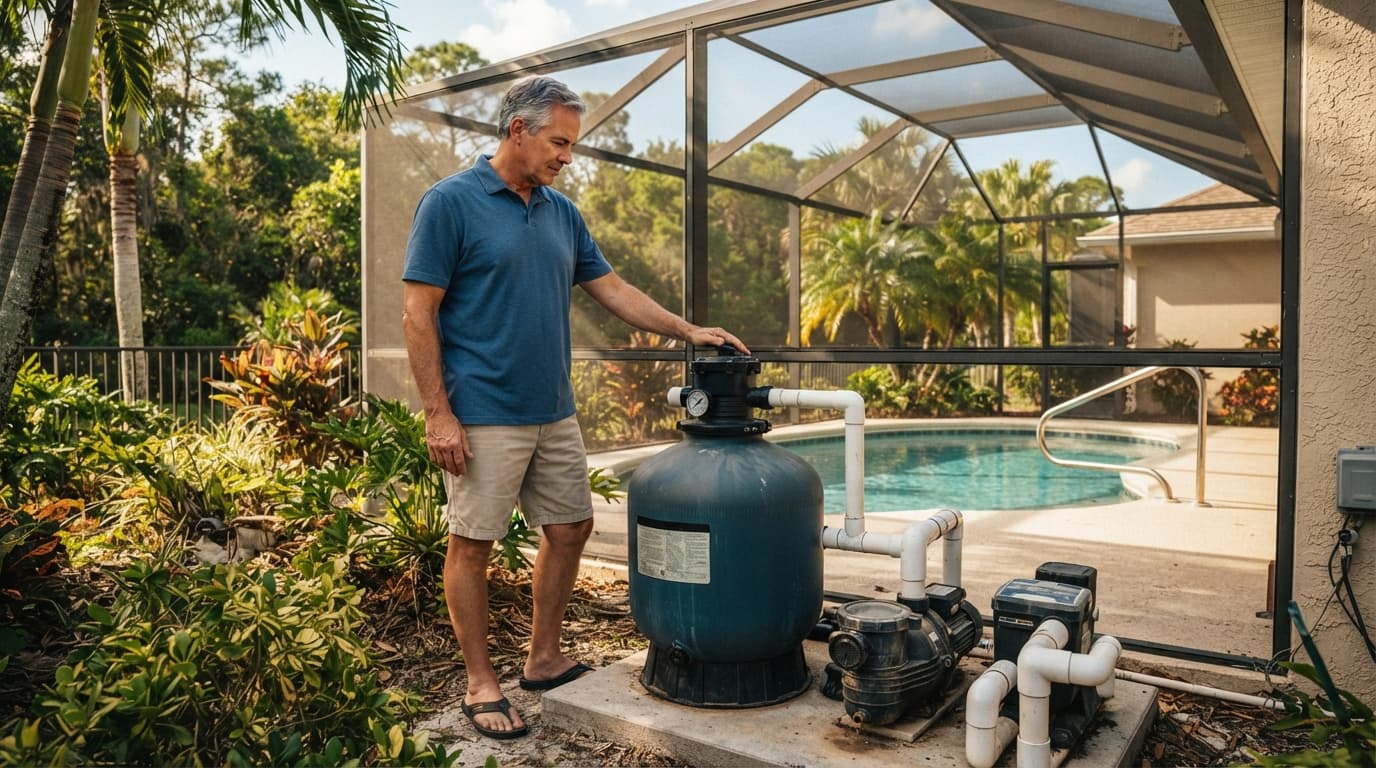
Use the pressure gauge as your main signal
Find the filter's normal clean pressure after the filter has been cleaned and the pump is running at its usual speed. Write that number on the equipment pad or keep it in your maintenance records.
Many residential systems need backwashing when the pressure rises 8 to 10 pounds per square inch (psi) above the clean starting pressure . For example, if the clean reading is 15 psi, a reading near 23 to 25 psi usually indicates a loaded filter. Always check the filter manufacturer's instructions because recommended pressure ranges vary.
Variable-speed pumps require extra care. Compare readings at the same pump speed each time. A higher speed naturally creates a higher pressure reading, so changing the pump schedule can make the gauge appear to show a filter problem.
Watch for Florida-specific filter loads
Heavy rain, lawn debris, pollen, and algae cleanup can raise pressure quickly. A screen enclosure keeps out many leaves and insects, but fine dust and wind-driven debris still enter the pool.
Reduced return flow is another useful clue. If the water at the returns feels weaker while the pump runs normally, check the gauge before changing anything. A cloudy pool doesn't always mean the filter needs backwashing. Test the water and inspect the baskets first.
Backwash pool filter media only when the pressure or flow indicates that the filter has collected enough debris. Backwashing too often wastes water and can make sand or DE filtration less effective.
Prepare the Equipment Before Changing the Valve
A safe setup prevents most backwashing mistakes. Read the label on the filter and valve before starting, especially if you recently moved into the home or inherited an unfamiliar equipment pad.
Identify the valve on your system
A multiport valve often includes settings such as FILTER, BACKWASH, RINSE, WASTE, RECIRCULATE, and CLOSED . The layout differs by manufacturer, and some systems don't include every position.
A push-pull, or slide, valve usually has fewer settings and may not have a separate rinse cycle. Some pools also use separate valves for the return, suction, and waste lines. Automation systems can add another layer of variation.
Never move a multiport or push-pull valve while the pump is running. Pressure can damage the valve, its gasket, or the filter plumbing.
Turn off the pump before every valve change. If you'll open the filter tank, switch off power at the breaker, release pressure through the air-relief valve according to the manual, and wait until the gauge reads zero.
Plan the discharge and water level
Attach the backwash hose securely, if your system uses one, and place the end where water won't erode soil, flood a foundation, enter a neighbor's yard, or flow into a storm drain. Confirm local disposal requirements before discharging pool water, saltwater, or DE slurry.
Check the pool water level before starting. Backwashing can remove several inches of water, depending on the filter, pump, hose, and cycle length. Keep the water around the middle of the skimmer opening. If the level is already low, add water first.
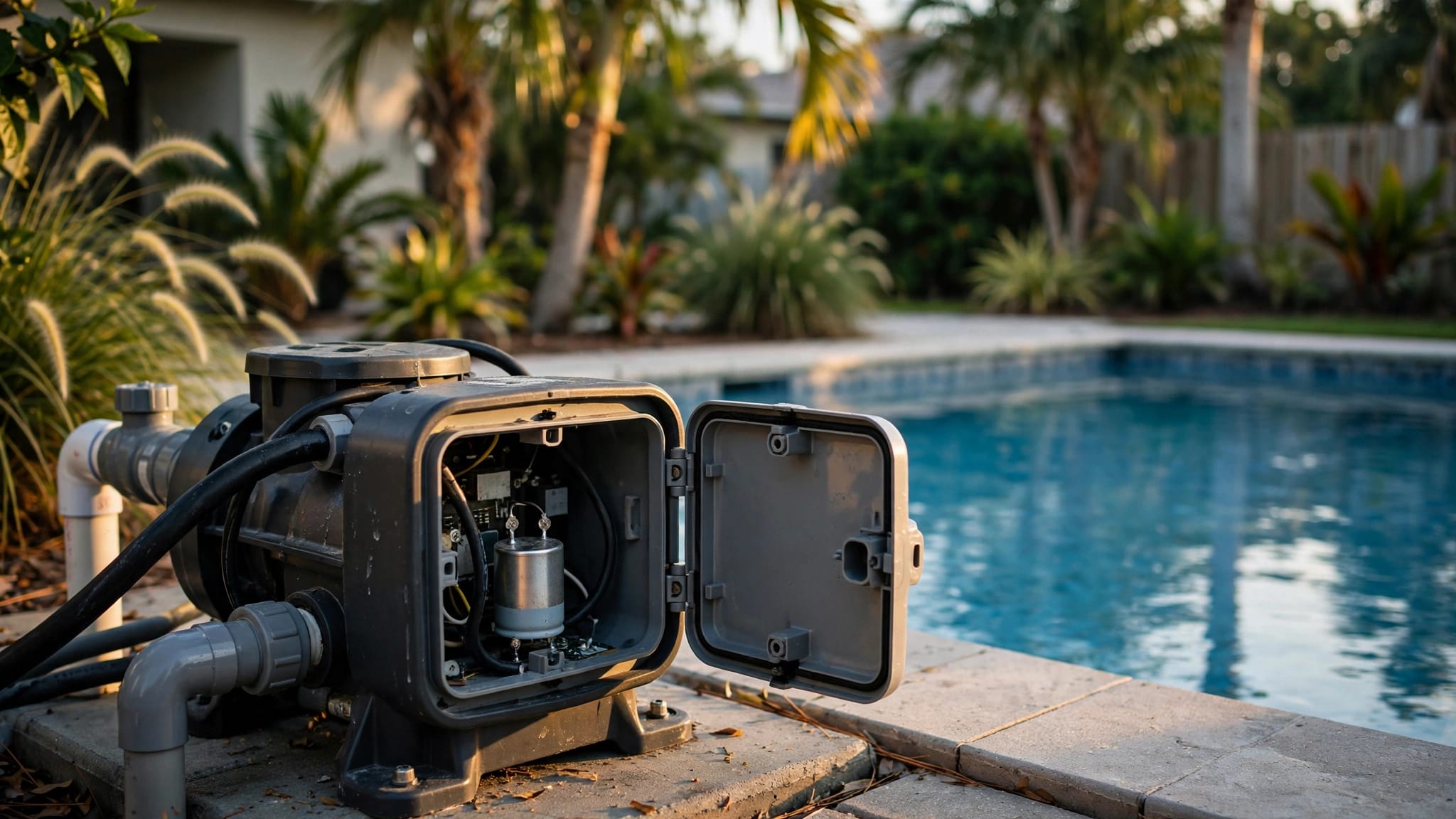
Keep electrical connections dry, and don't handle the pump or valve with wet hands. Stop immediately if the hose moves, a fitting sprays, or the filter tank makes unusual sounds.
How to Backwash a Sand Pool Filter
A sand filter holds dirt in a bed of specially graded pool filter sand. Backwashing sends water upward through that bed and out through the waste line.
- Turn off the pump. Close the heater bypass or turn off the heater if your equipment manual calls for it. Check that the pool water level and backwash hose are ready.
- Move the multiport valve to BACKWASH . If you have a push-pull valve, use the backwash position shown on its label or in the manual. Open the correct waste line before starting the pump.
- Start the pump and watch the sight glass, if your valve has one. Otherwise, observe the water leaving the discharge hose. Continue until the water looks clear, which often takes two to three minutes. A filter that handled algae or a large debris load may need more time.
- Turn off the pump. Move the valve to RINSE only after the pump stops. Start the pump and run the rinse cycle for the period listed in the manual, often about 20 to 30 seconds. This sends loose sand and dirty water out of the waste line instead of back into the pool.
- Turn off the pump again. Return the valve to FILTER , then restart the pump. Open the air-relief valve briefly if your filter has one, and close it when water flows steadily. Check the gauge, return flow, hose connections, and filter tank for leaks.
If the valve has no rinse position, skip that step and follow the manufacturer's sequence. Don't invent a valve setting or force a stiff handle.
How to Backwash a DE Pool Filter
DE filters use a fine powder called diatomaceous earth to coat internal grids or fingers. The powder captures smaller particles than sand, but a backwash removes the used DE charge along with the collected dirt.
Read the instructions for your model before starting. The DE pool filters in Cape Coral guide can also help when you're comparing equipment or planning a replacement.
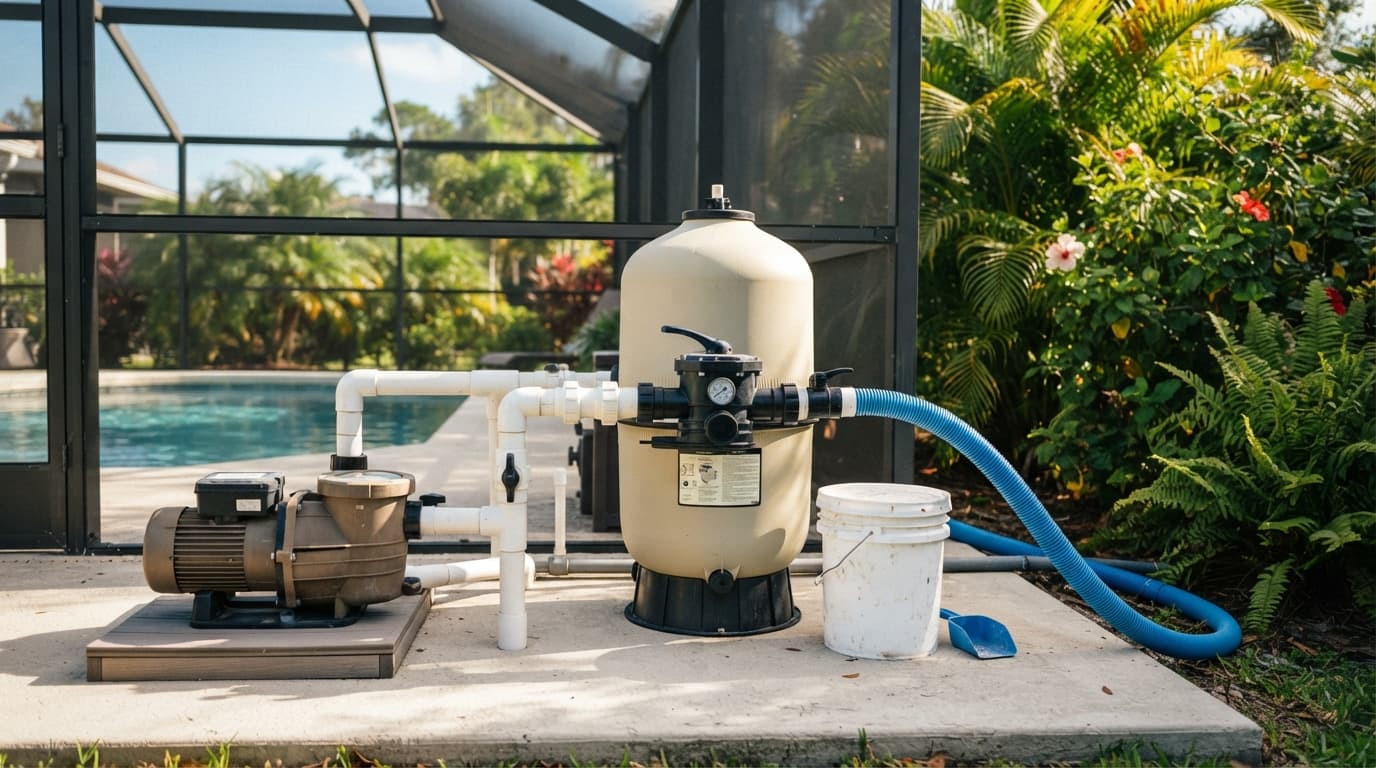
- Turn off the pump and record the current pressure if it has risen above the clean baseline. Make sure the filter tank is not pressurized before changing the valve.
- Set a multiport valve to BACKWASH , or move a push-pull valve to its marked backwash position. Secure the discharge hose and keep the waste path clear.
- Start the pump and monitor the sight glass or discharge water. Run the cycle until the water clears, using the manufacturer's time or visual instructions. Stop the pump if the hose shifts or the pressure behaves unexpectedly.
- Turn off the pump. If your valve has a RINSE setting, select it only after the pump stops. Run the rinse cycle for the time listed in the manual. If your push-pull valve has no rinse setting, return it to FILTER as directed.
- Turn off the pump and place the valve in FILTER . Restart the system and add the correct amount of fresh pool-grade DE powder. Many systems add DE through the skimmer while the pump runs, but use that method only if the filter manual permits it. Measure the amount listed for your filter instead of guessing.
Avoid breathing dry DE powder. Use eye protection, gloves, and the respiratory protection recommended on the product label. Never substitute garden lime, cement powder, or another material. A DE filter should run with its required powder charge, so don't postpone the recharge after backwashing.
Finish the Cycle and Check the Pool
The cleaning cycle isn't complete until the system returns to normal filtration and the equipment pad stays dry.
Confirm normal filtration
After restarting, compare the gauge with the clean pressure you recorded earlier. The reading should move closer to its normal range, and the return jets should produce steady flow.
Inspect the valve, tank clamp, drain plug, pressure gauge, and hose connection. Small leaks can worsen quickly under pressure. If the gauge rises again within minutes, shut off the pump and investigate instead of repeating the backwash cycle.
Account for water and chemistry
Replace lost water before the level reaches the bottom of the skimmer opening. A pump that draws air can lose its prime and suffer damage.
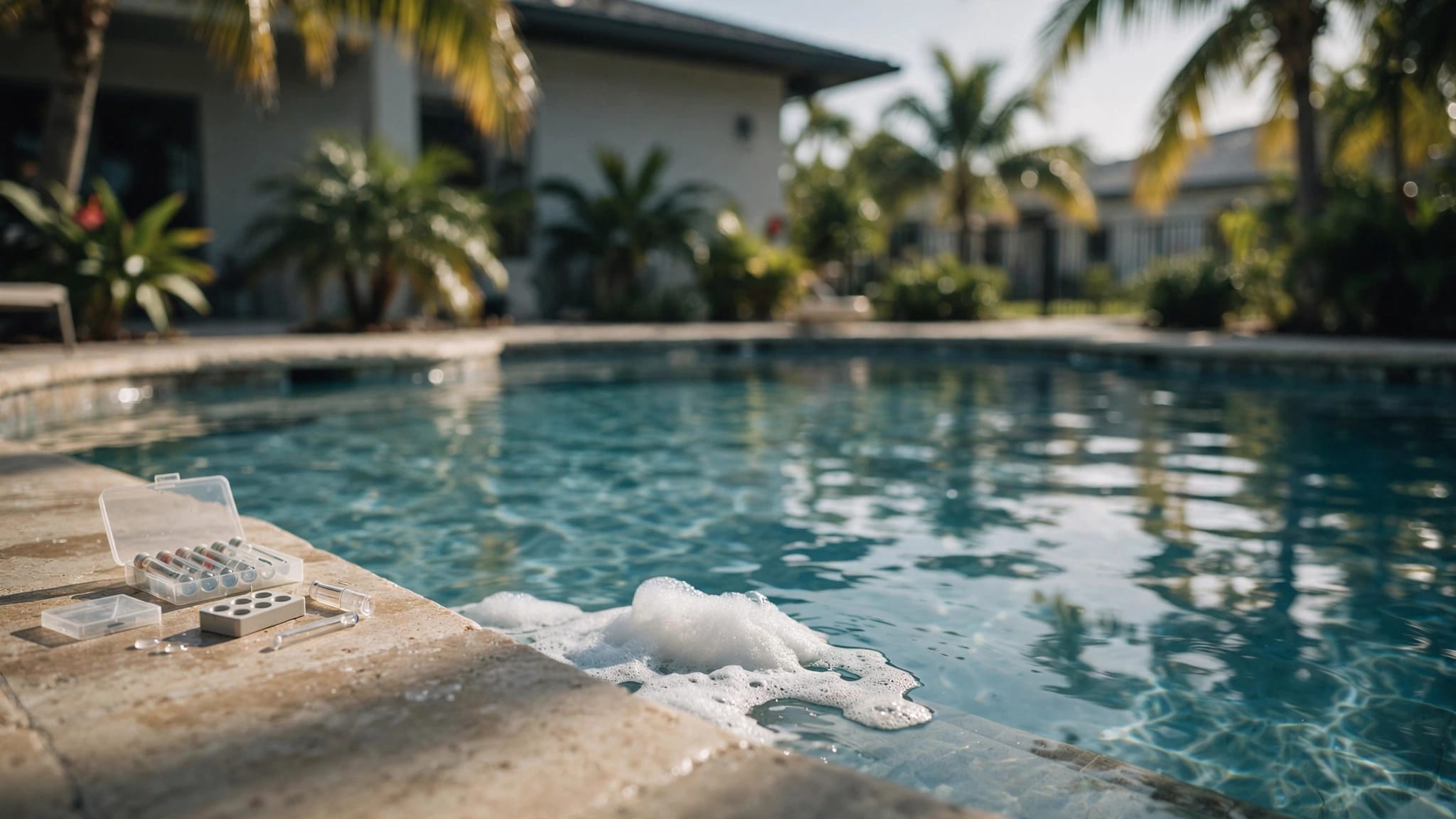
After adding a large amount of fresh water, test the pool. Check pH and sanitizer levels, and check salinity if you have a saltwater system. Don't add chemicals based on guesswork. Water loss and fresh-water additions change the balance differently in each pool.
Troubleshooting Common Backwash Problems
A backwash pool filter cycle should lower pressure and restore circulation. When it doesn't, the pressure reading and valve position usually point toward the next check.
Pressure stays high
First, confirm that the valve returned fully to FILTER and that the pump is running at the same speed used for the clean-pressure reading. A clogged pump basket, skimmer basket, return fitting, or heater can also restrict flow.
If sand filter pressure remains high, the sand bed may be heavily fouled or the filter may not have completed a full backwash and rinse. DE pressure can stay high when the grids need a manual cleaning, the DE charge is incorrect, or the grids are damaged.
Don't open a tank under pressure. If the pressure stays high after basic checks, have the filter inspected.
Pressure is low or the pump loses prime
Low pressure usually points toward a suction-side issue rather than a dirty filter. Check the water level, skimmer basket, pump basket, pump lid o-ring, and visible suction valves after turning off the pump.
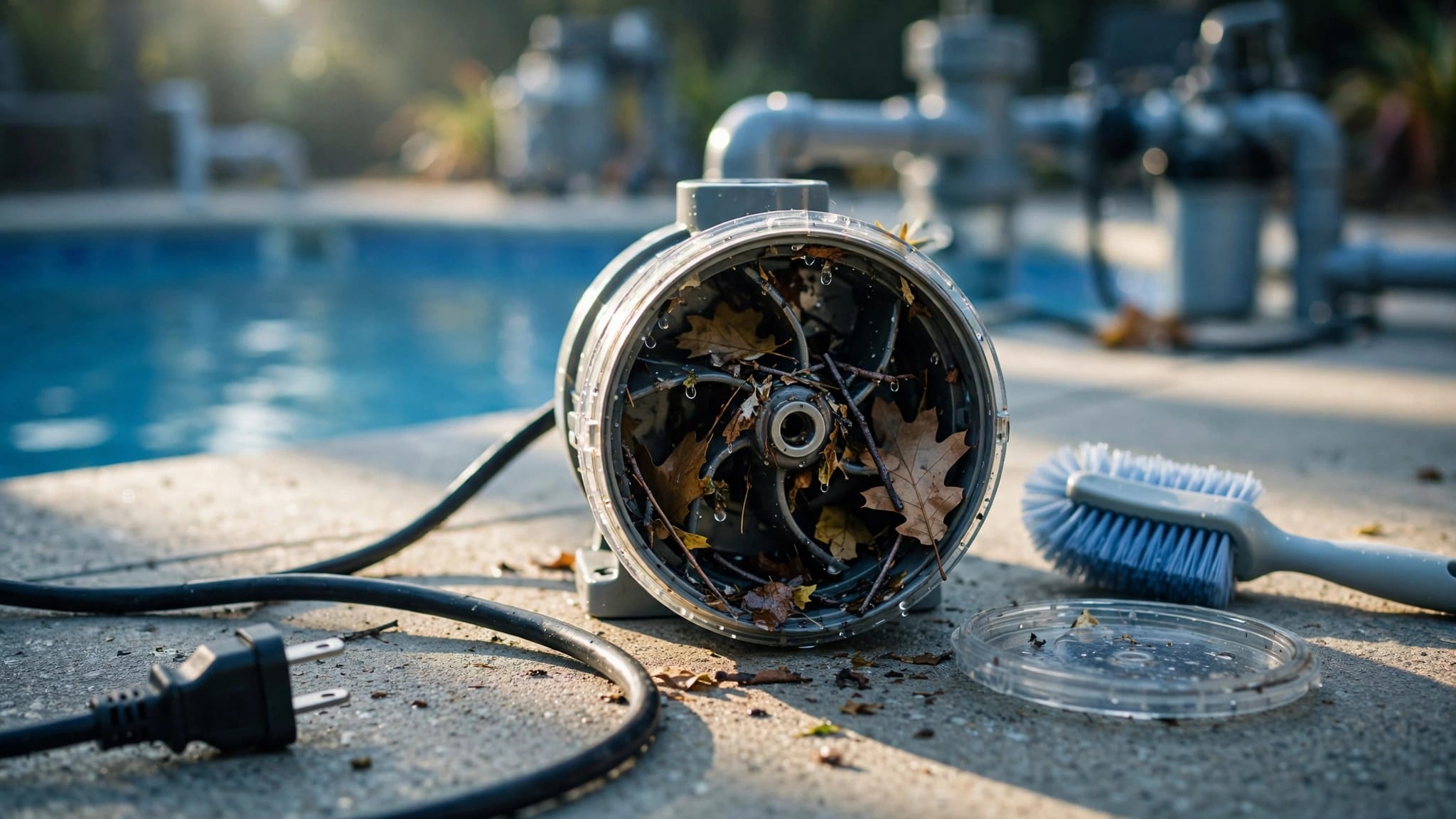
Air in the pump basket can indicate a suction leak or low water level. A clogged impeller is another possibility. Shut off power before opening the pump basket or reaching near the impeller.
During renovations or equipment replacement, check pool filter sizing for Cape Coral homes. A pump, filter, heater, spa, or water feature that no longer matches the system can create pressure and flow problems.
Water leaks or remains cloudy
Water leaking around a multiport valve may indicate a worn spider gasket or a valve that isn't seated correctly. A leak at the tank clamp, gauge, air-relief valve, or drain plug needs prompt attention.
Cloudy water after a sand backwash can result from inadequate rinsing. With a DE filter, returning DE powder to the pool may indicate a torn grid, broken manifold, or damaged internal part. Stop the pump and schedule service if you see DE blowing from the return jets.
A Short Florida Pool Filter Maintenance Checklist
Use this routine to catch problems before the gauge reaches its backwash point:
- Empty the skimmer and pump baskets regularly, especially after storms.
- Record clean pressure at the normal pump speed after each thorough cleaning.
- Inspect the backwash hose, waste line, valve, gauge, and tank for leaks.
- Keep the water level near the middle of the skimmer opening.
- Follow the filter manual for deep cleaning, sand replacement, DE grid inspection, and o-ring care.
- Never backwash a cartridge filter. Remove and rinse its cartridge according to the manufacturer's instructions.
If pressure rises unusually fast after normal cleaning, the issue may involve filter sizing, pump speed, plumbing, or internal damage. Planning a remodel or resurfacing project is a practical time to review the entire equipment pad, not only the pool finish.
Conclusion
A clean pressure baseline tells you when to backwash, while the valve type determines how to do it. Turn off the pump before every setting change, protect the filter from pressure-related damage, manage discharge water carefully, and replace the DE charge after cleaning.
With the right sequence, Florida homeowners can maintain steady circulation and avoid unnecessary water loss. If your filter keeps clogging, leaking, or operating outside its normal pressure range, Get a Free Estimate for an on-site equipment review.