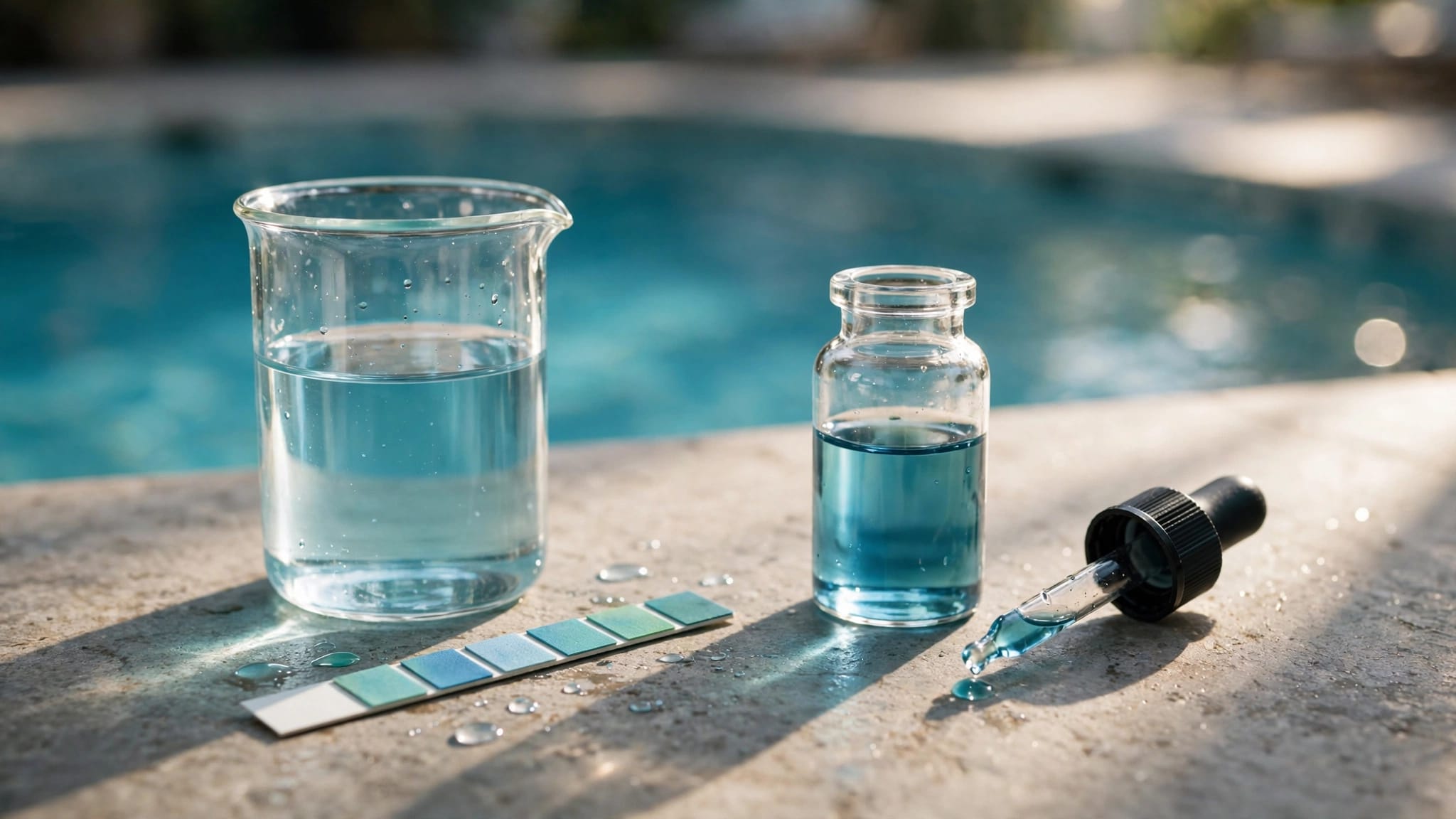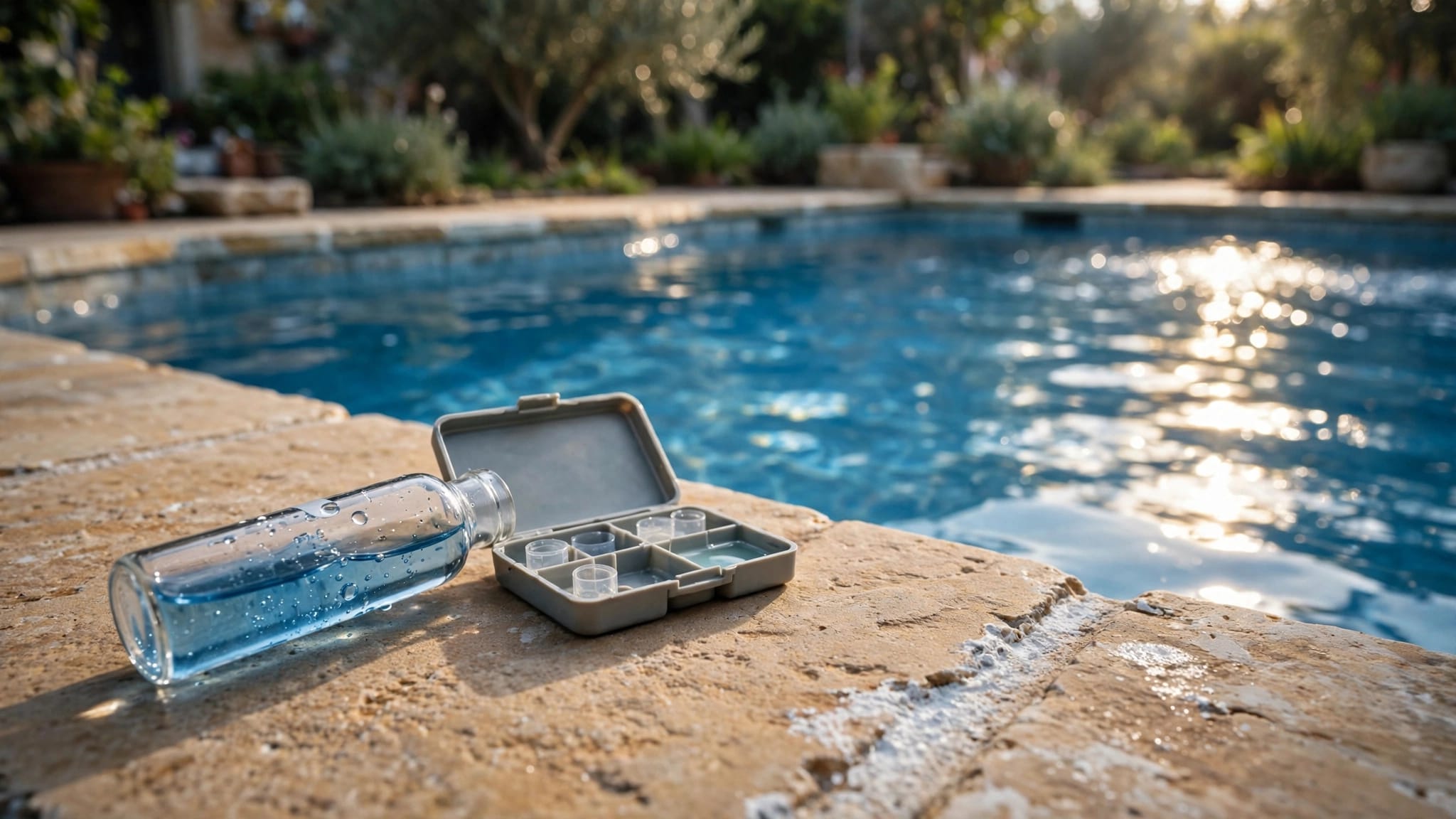
Pool ORP readings are one part of your automation system's picture of the water. They don't tell you the free chlorine concentration , so you still need to test the water separately.
That distinction matters when a controller displays an unexpected number or your pool needs more sanitizer than usual. Start with the water conditions and equipment that can affect the reading.
What pool ORP readings don't tell you
An ORP display can't replace a test for free chlorine, pH, or cyanuric acid. Each measurement gives you different information, and a controller reading on its own doesn't establish whether the water is ready for swimming.
Free chlorine is the sanitizer available in the water. A separate test tells you its concentration, while a pH test shows whether the water is acidic or alkaline. Cyanuric acid, also called stabilizer, helps protect chlorine from sunlight in outdoor pools.
Keep a record of these test results alongside your controller reading. If a number changes after rain or heavy use, the log gives you a starting point for finding the cause.
What can affect an ORP reading?
Water chemistry and pool conditions can change the number on the controller. A shift doesn't automatically mean the probe has failed or that the pool needs more chlorine.
pH and stabilizer
As pH rises, chlorine becomes less effective, and the ORP reading often falls. Saltwater pools can develop a gradual rise in pH, so regular testing matters even when a chlorine generator is operating.
Cyanuric acid also affects the relationship between chlorine and ORP. Two pools with similar free chlorine results can show different controller readings when their stabilizer levels differ. Our pool alkalinity and pH balancing guide explains how these measurements fit into routine care.
Sunlight, swimmers, and debris
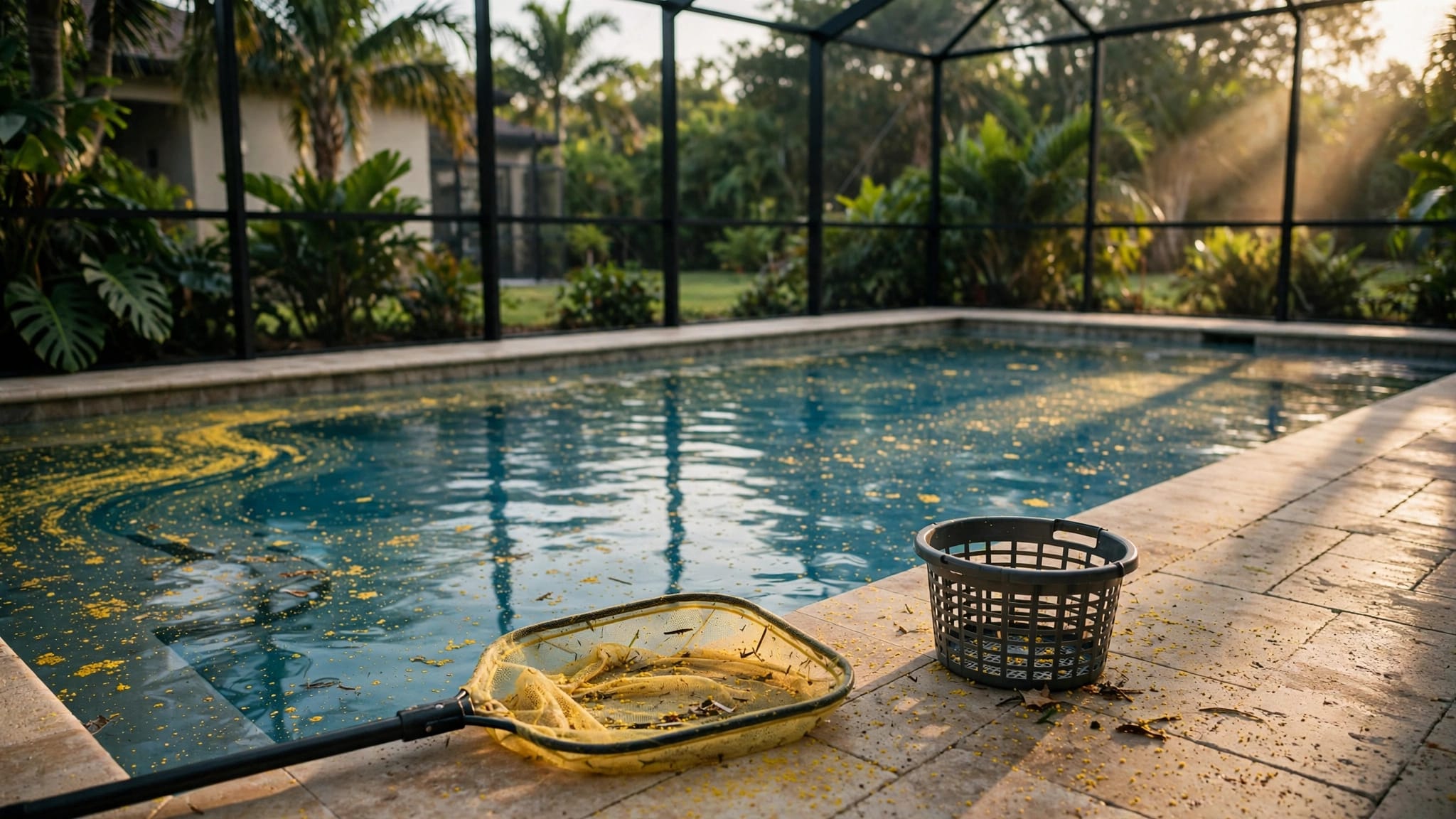
Strong sunlight can reduce chlorine in an outdoor pool, especially when there isn't enough stabilizer. Swimmers, leaves, sunscreen, and other material can also increase the amount of sanitizer the water needs.
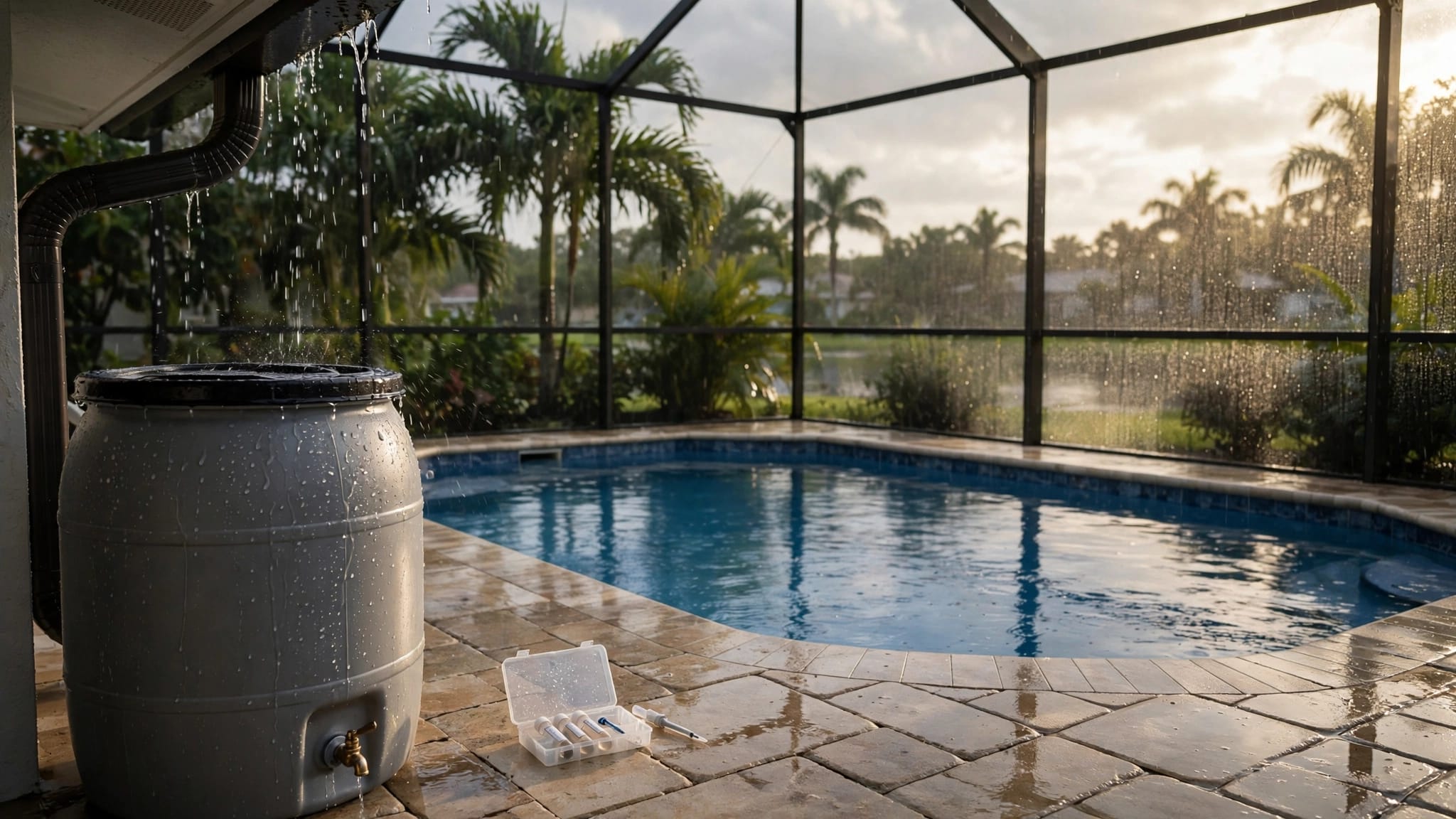
After heavy rain or a busy pool day, remove debris and test the water before changing equipment settings. Temperature, circulation, and the condition of the sensing equipment can affect the reading too.
How setpoints fit into pool automation
An ORP setpoint is a value entered into a compatible controller. The setpoint and the reading on the screen are separate pieces of information, so note both when you review your system.
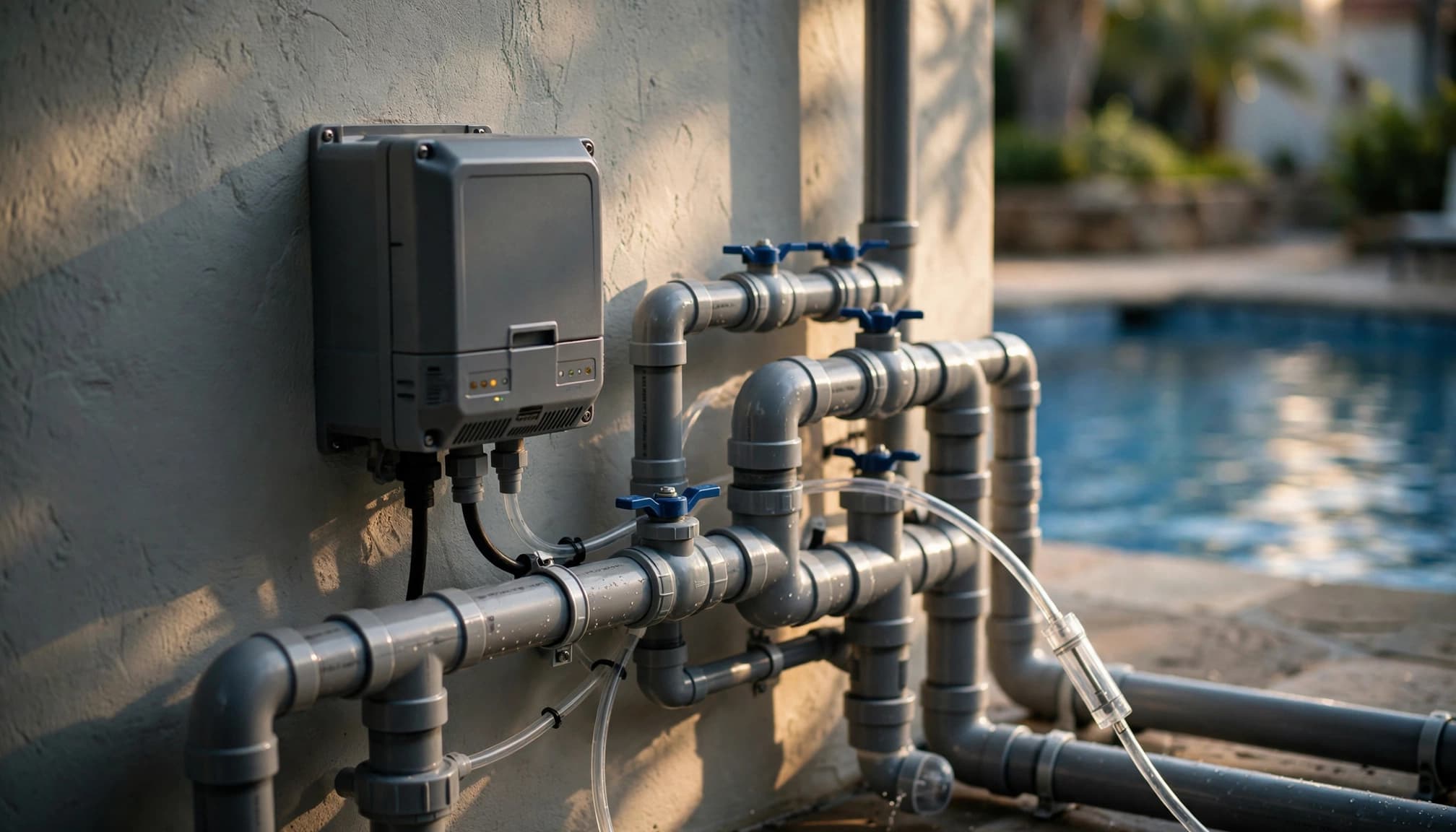
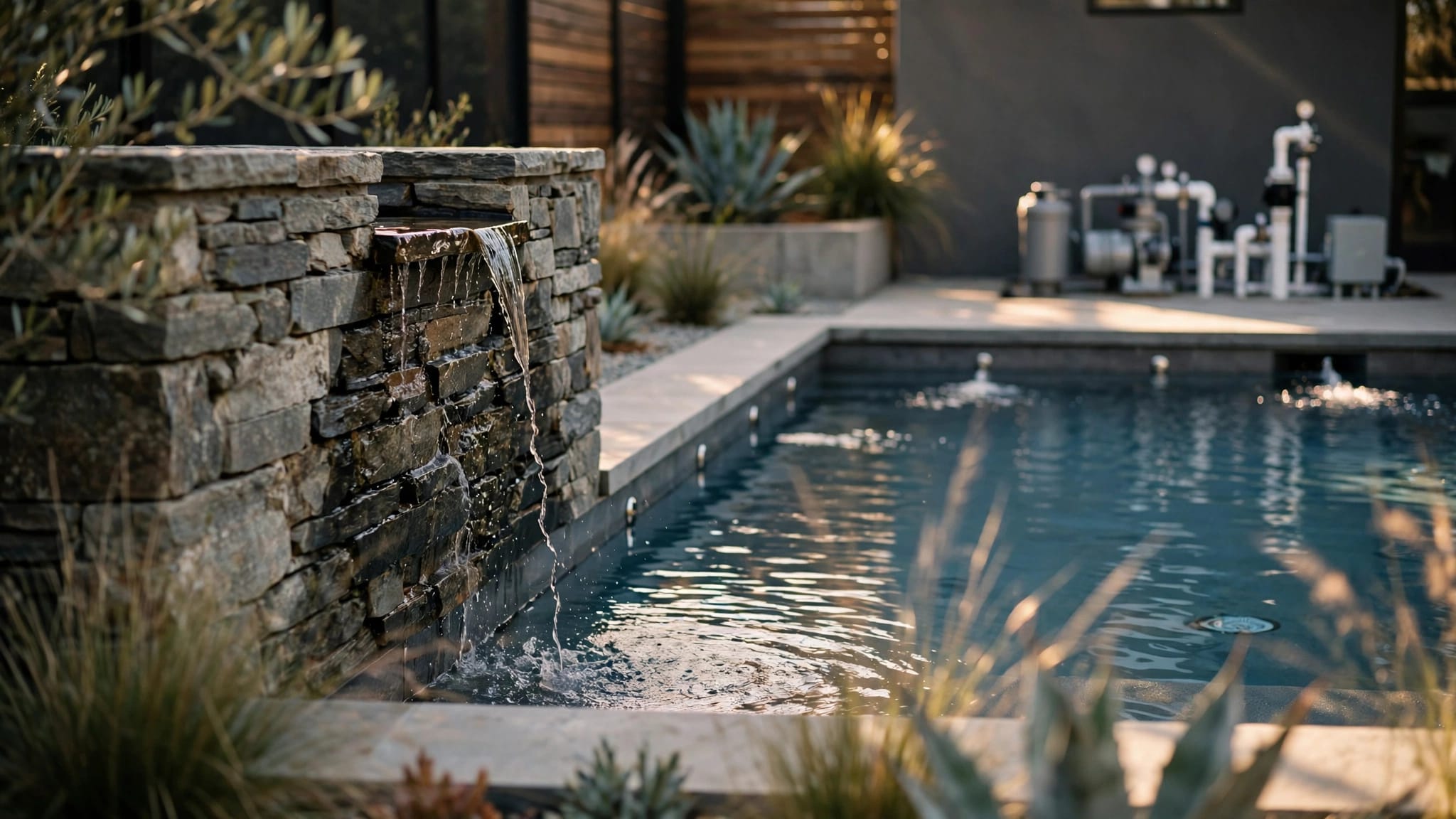
Automation features vary by manufacturer and equipment setup. Some systems include chemical monitoring, while others control pumps, heaters, lights, or salt chlorination equipment without every monitoring feature. Our guide to pool automation systems for Cape Coral homes covers the equipment compatibility questions that come up during installation or renovation.
Avoid changing a setpoint based on one unusual display. First, compare it with independent water tests and look for a change in conditions.
How to investigate an unexpected reading
Work through the water and equipment in order. That gives you better information than making several adjustments at once.
Test the pool water independently
Use a fresh liquid test kit or another reliable method to measure free chlorine and pH. Take the sample away from skimmers and return jets, rather than beside a chemical feeder. Test cyanuric acid as well, especially if chlorine disappears quickly in the sun.
If a result looks implausible, repeat the test with a fresh sample. Keep swimmers out when the water is cloudy or the sanitizer level is outside the range required for your pool.
Make any needed chemical adjustment according to the product label and your pool's water volume. Allow the water to circulate, then retest before making another change. Never mix pool chemicals.
Look at circulation and sanitizer equipment
With the pump running, look for a flow warning and signs of poor circulation. A salt chlorine generator may stop producing chlorine when flow is too low, even if its salt reading looks normal.
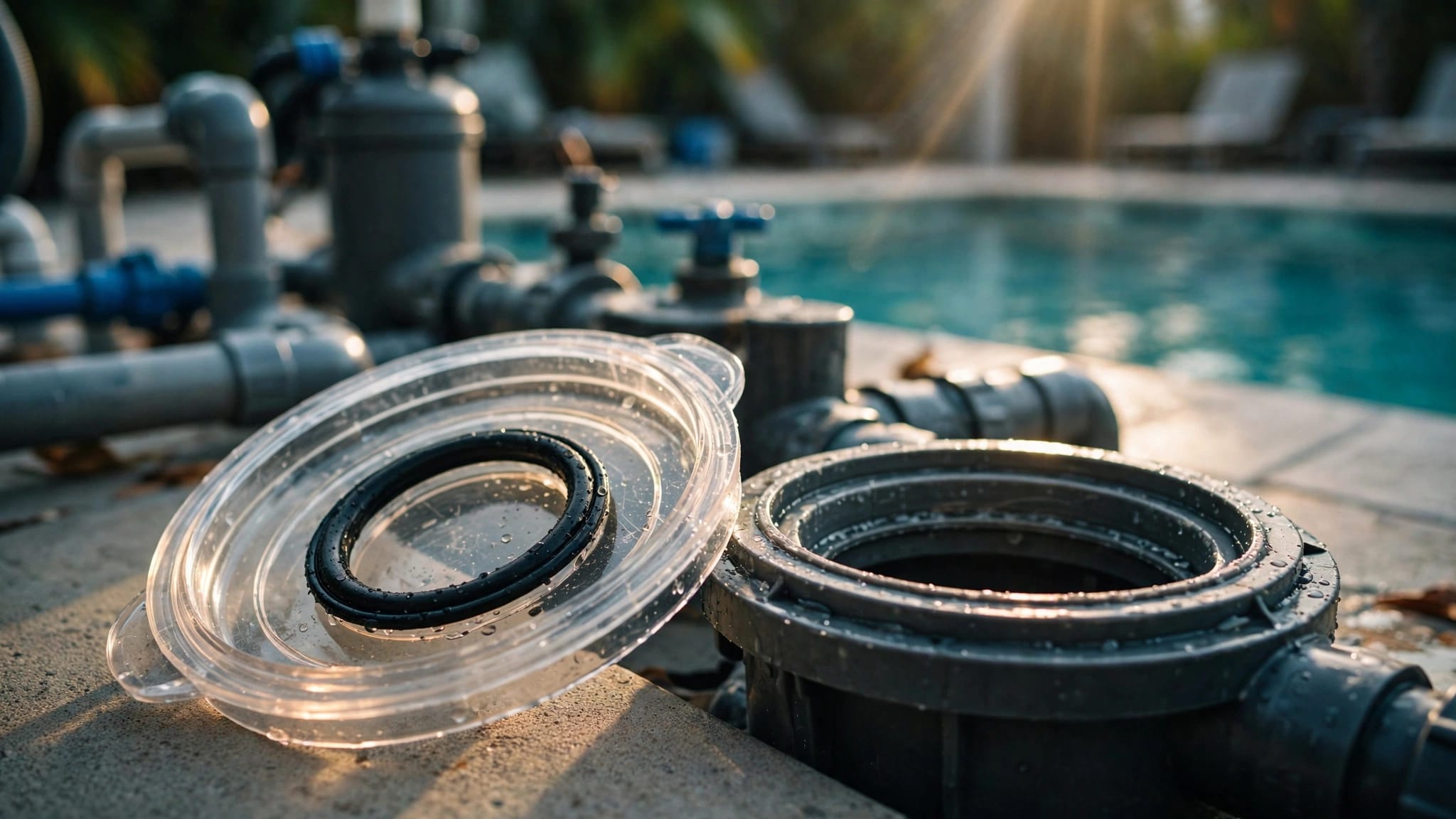
If the controller reports low salt, compare it with an independent salt test before adding more. Also note any cell warning or visible buildup in a clear cell housing. Our article on salt chlorinator settings covers other conditions that affect chlorine production.
For persistent mismatches between the display and water tests, contact a qualified pool professional. Don't open electrical equipment or handle wiring to investigate a reading.
Keep testing after the reading settles
Once the immediate issue is addressed, continue testing free chlorine and pH regularly. Test again after a major storm, heavy swimming, a large water addition, or a chemical treatment.
A short log can show whether the same change happens repeatedly. Record the date, water test results, controller display, and any adjustment you made. If the pool repeatedly loses chlorine or shows equipment warnings, those details can help a professional narrow down the problem.
If you're planning an equipment upgrade as part of a larger pool renovation, Get a Free Estimate for an on-site consultation.
Use the display as one part of pool care
An automation display is useful, but independent water tests remain part of pool maintenance. They give you information the ORP number alone cannot provide.
When a reading changes, test the water and look at recent conditions before adjusting the system. A measured response makes it easier to identify the cause without creating another water chemistry problem.