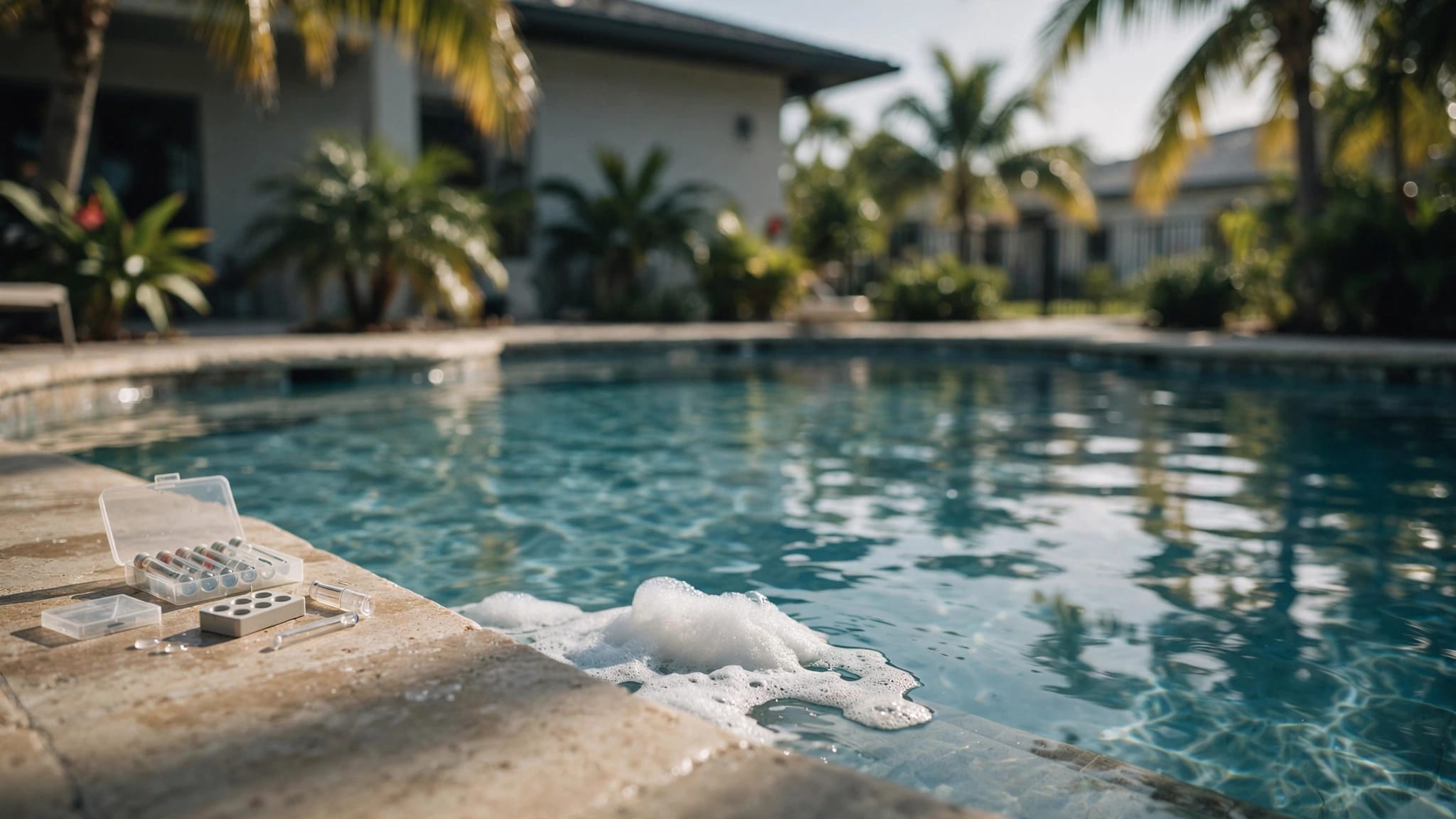
A saltwater pool can look clear while its chlorine level quietly slips. In Cape Coral, intense sun, warm water, summer rain, and frequent swimming can use chlorine faster than many homeowners expect.
The right pool salt chlorinator settings help keep sanitation steady without wasting cell life or causing constant chemical corrections. Your ideal percentage depends on the generator model, pool volume, pump schedule, sunlight, water temperature, swimmer activity, and test results.
Start by understanding what the percentage controls, then adjust one variable at a time.
Key Takeaways
- A salt chlorinator percentage controls how long the cell produces chlorine during pump operation; it does not directly change chlorine strength.
- Start with a moderate output, often near 50% on a properly sized system running eight to 10 hours daily, then adjust in 5% to 10% steps based on reliable free chlorine tests.
- Cape Coral sun, warm water, rain, debris, and heavy swimmer activity can increase chlorine demand, while cold water may reduce or stop chlorine production.
- Check free chlorine, pH, alkalinity, CYA, salt level, water temperature, flow, and pump operation before changing the generator setting.
- Keep salt within the manufacturer's recommended range, inspect the cell for scale, and maintain consistent circulation instead of making frequent large adjustments.
How Pool Salt Chlorinator Settings Control Chlorine Output
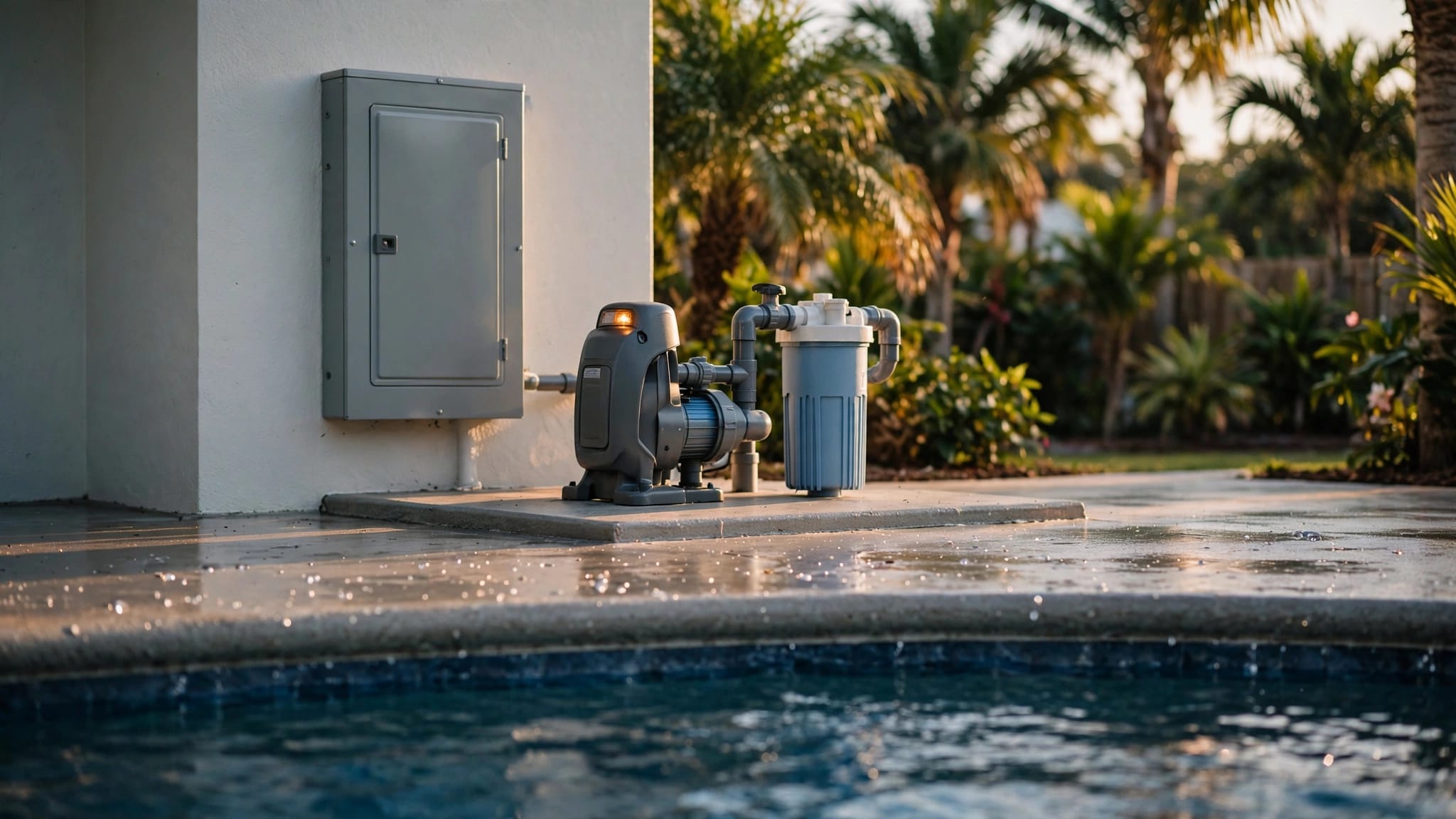
A salt chlorine generator uses electrolysis to turn dissolved salt into chlorine as water passes through its generating cell. The unit then converts that chlorine back to salt after it sanitizes the water. Salt is recycled, but chlorine demand never stops.
The percentage on the control panel doesn't usually change chlorine strength as water passes through the cell. Instead, it controls how long the cell produces chlorine during the pump's run time.
What a 50% setting really means
If your pump runs for 10 hours and the salt cell output percentage is set to 50%, the cell produces chlorine for roughly five hours. At 100%, it produces during the full 10-hour schedule.
However, every manufacturer uses its own controls and production ratings. A 50% setting on one system may not match a 50% setting on another. A larger unit also creates more chlorine per hour than a smaller one.
Your setting only works while the circulation pump runs. If the pump is off, chlorine production stops.
Pump run time changes the equation
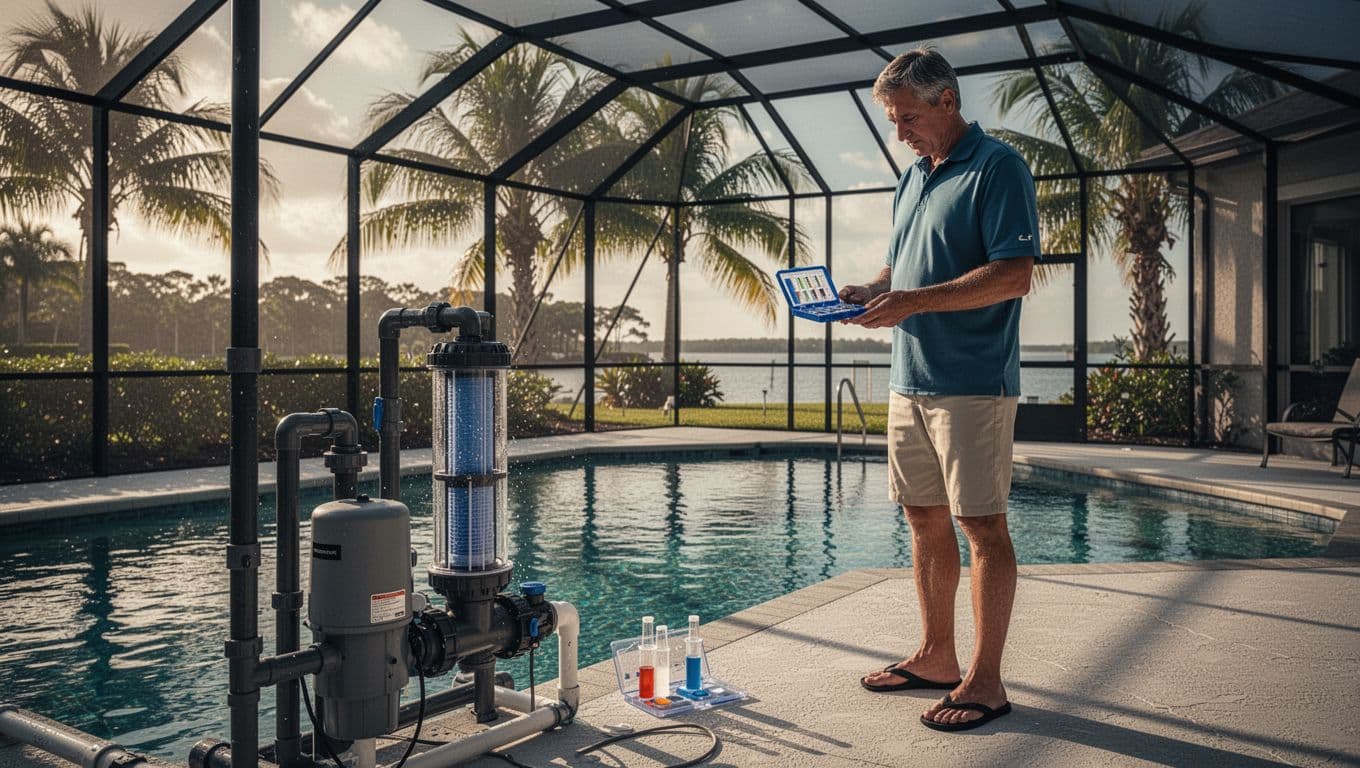
A chlorinator setting without pump run time tells only half the story. The same setting produces different daily amounts on six-, eight-, and 10-hour schedules.
Use this formula when you know your cell's rated daily production:
Output percentage = (needed daily chlorine production / cell's 24-hour production rating) x (24 / pump run hours) x 100
For example, if a cell produces 1 pound of chlorine per day at 100% and your pool needs about 0.25 pounds daily, an eight-hour schedule requires a setting near 75%. Treat this as a starting estimate based on the manufacturer's rated production. The manufacturer's operating range and your test results override generic calculations.
Set a Practical Starting Output for Your Pool
Most Cape Coral homeowners should begin with a moderate setting rather than selecting 100% immediately.
A properly sized system running eight to 10 hours daily may begin near 50%, but that's only a cautious starting point. The manufacturer's range, water volume, water temperature, sun exposure, and test results must determine the final setting.
It is not a permanent prescription. Pool size also matters. A shaded 10,000-gallon pool with light use may need far less. A sunny 20,000-gallon pool with a spa, waterfall, and a busy family may need more.
Begin with a stable routine
Choose a pump schedule first, because your pump run time affects daily chlorine production. During hot months, many pools need a longer daily circulation period than they do in cooler weather. Run the system at times when the pool gets heavy sun, if your energy plan allows it.
Before changing the setting, verify that the salt level is within the manufacturer's recommended range. Then hold the salt cell output percentage steady for two or three days. Test the water at roughly the same time each day. Don't adjust the percentage every morning after one reading.
When free chlorine falls below its appropriate target, raise output in small steps, often 5% to 10%. If the chlorine level keeps climbing, reduce the setting by the same amount. Sudden 30% or 40% changes make it harder to identify the real cause.
Let test results make the decision
A saltwater pool's chlorine target isn't universal. It depends on cyanuric acid, the pool's stabilizer, and the tested stabilizer level. In sunny Florida, cyanuric acid helps protect chlorine from ultraviolet light, yet too much can make chlorine less effective.
Follow your test kit guidance, product labels, and the appropriate chlorine-to-CYA recommendations for your results. Never increase chlorine output based only on a display reading or water appearance.
A generator is a chlorine source, not a water-balance system. It can't correct low pH, excessive CYA, algae, or poor circulation.
Test Water Before You Change the Generator
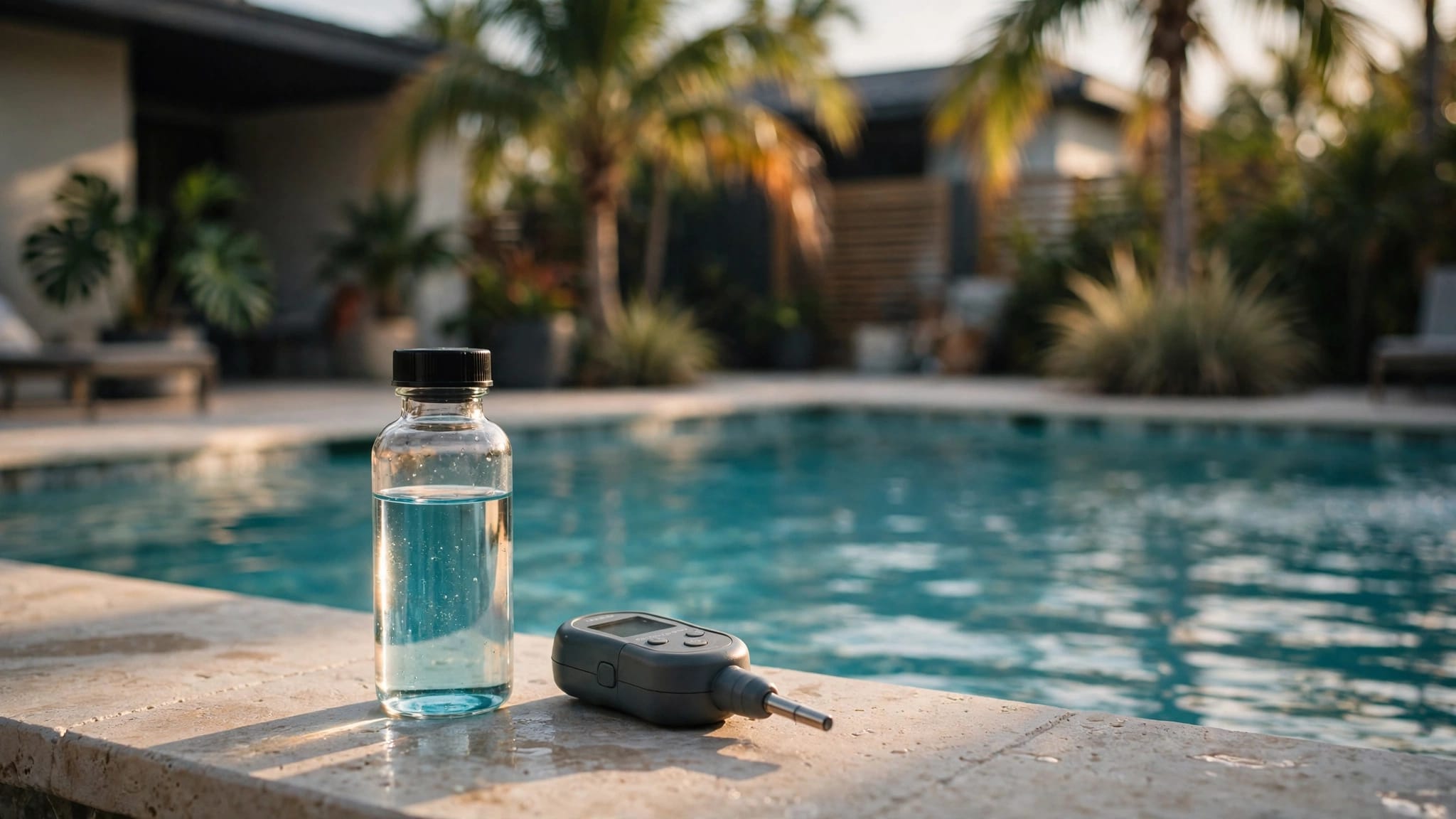
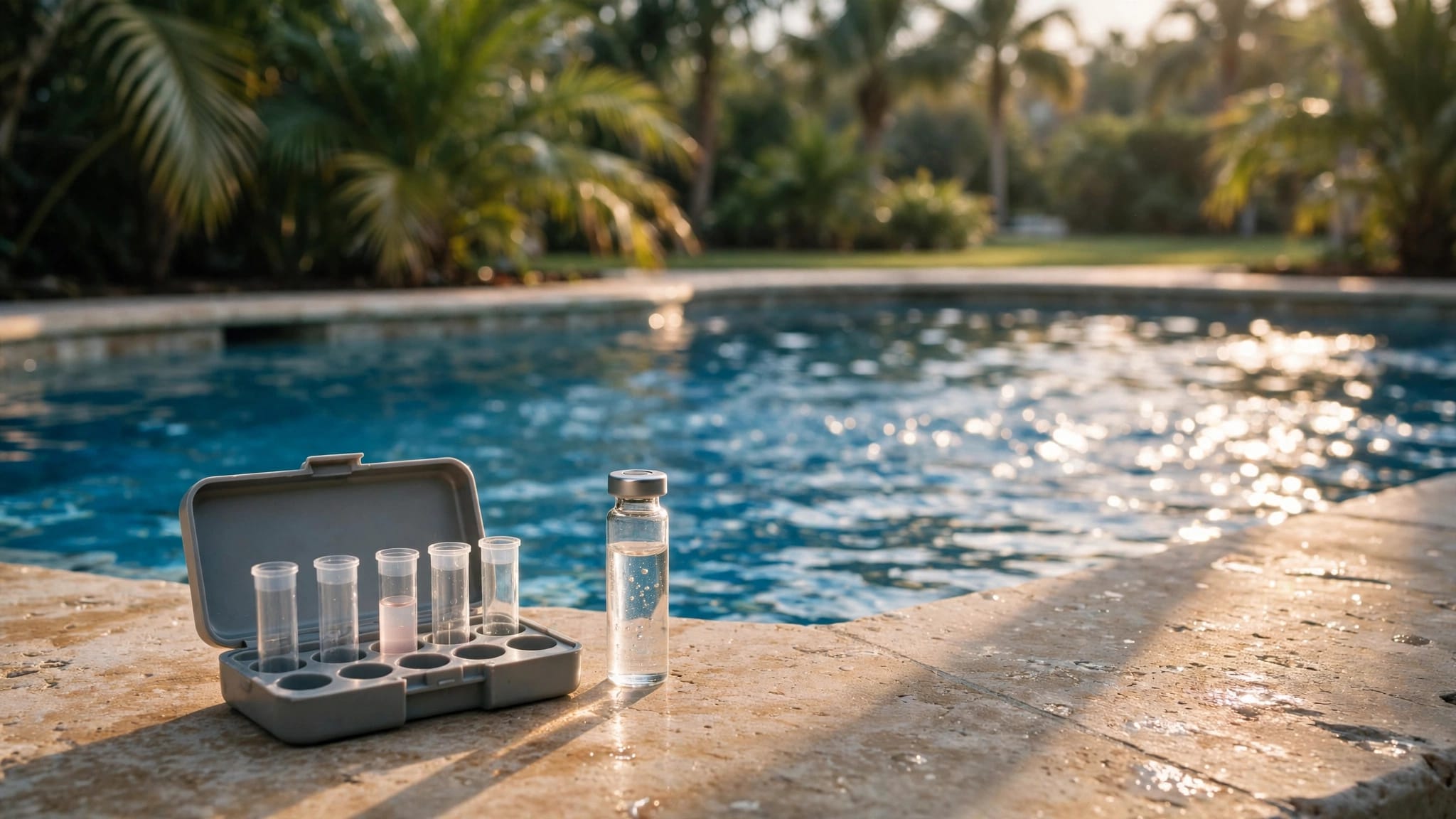
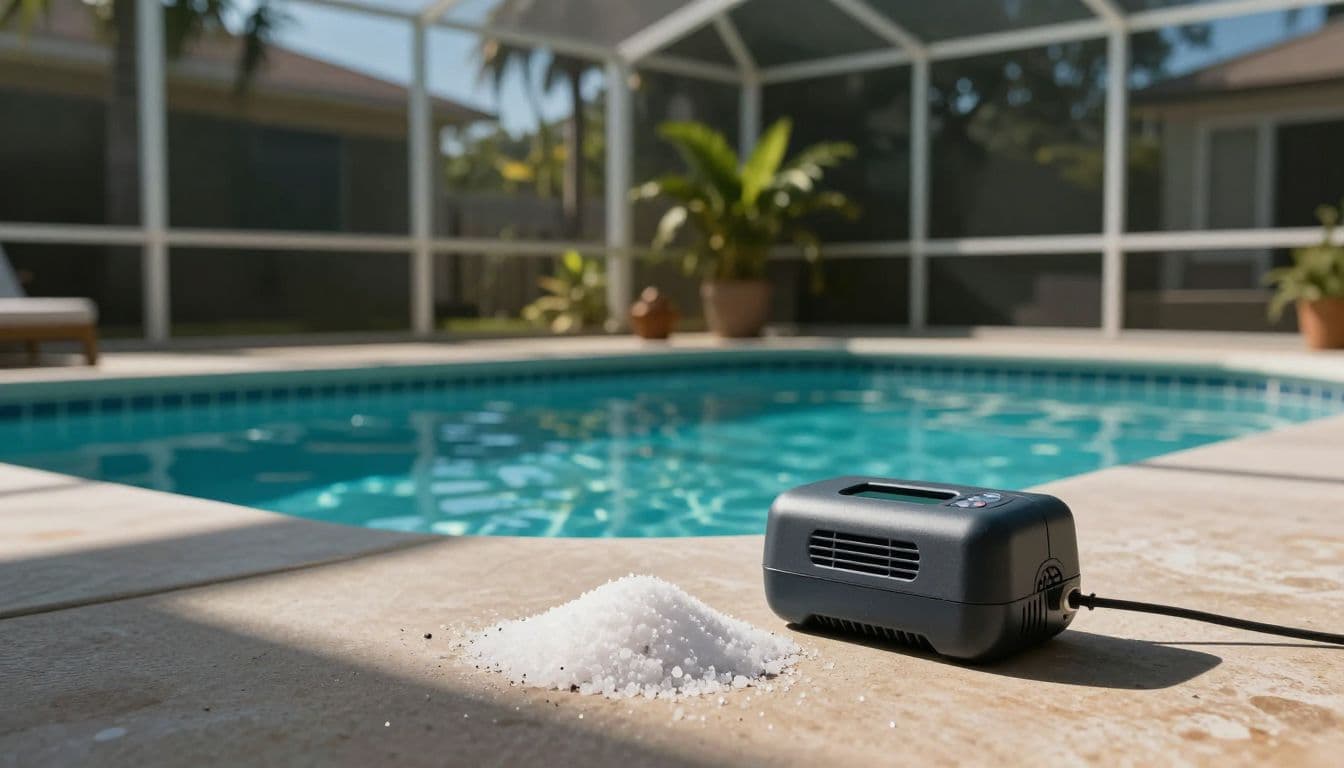
Clear water doesn't prove your chlorine level is adequate. Use a reliable liquid or drop-based test kit to measure free chlorine at least weekly. Test more often after storms, parties, equipment changes, or chemical additions.
A pool store analysis can help explain a confusing result. Consistent home testing gives you the best view of daily changes.
Check these readings together
Before changing the generator, review:
- Free chlorine, because it shows whether the system is meeting demand.
- pH, because salt systems naturally tend to push pH upward over time.
- Total alkalinity, which helps prevent rapid pH swings.
- Cyanuric acid, because Florida sunlight consumes unprotected chlorine quickly.
- Salt level, based on an independent salt test and the generator display.
- Water temperature, because cold water can limit or stop production on many units.
- Flow and pump operation, because low flow can stop production. Some systems call the sensor a flow control switch, but terminology varies by manufacturer.
A correct salt reading doesn't guarantee chlorine production. A clean salt cell, healthy circulation, adequate pump operation, and balanced water all matter.
Test before adding salt or shock
Don't add salt because a control panel says "low salt" without confirming the result. Compare the generator's instant salt reading with an independent test first.
Test strips, a digital salinity meter, or a pool-store water analysis can reveal whether the display is inaccurate.
Likewise, don't raise the generator output to fight cloudy water before testing. Algae, debris, poor filtration, or unbalanced pH can create a problem that routine output cannot solve. A measured chlorine boost or shock treatment may be needed, but follow the chemical label and keep swimmers out until the water is safe.
Cape Coral Conditions That Raise Chlorine Demand
Cape Coral pools get strong sun for much of the year. The measured chlorine level can fall quickly when uv exposure is intense, especially if stabilizer is too low. A pool with a wide, open deck often needs more output than one protected by mature shade or a screen enclosure.
Water temperature matters as well. Warm water encourages swimmers and can accelerate algae growth when sanitizer is low. As water cools in winter, many salt chlorinators reduce output or shut down to protect the cell, so seasonal adjustments are more practical than one year-round setting.
Rain, debris, and pool parties
Heavy rain dilutes chemicals and can bring pollen, leaves, and other organic material into the pool. After a storm, remove debris, check the water level, inspect circulation, brush the walls, and test the sanitizer residual before changing output.
More swimmers increase chlorine demand, and bather load includes sunscreen, body oils, and debris entering the water. Temporarily increasing output or adding a measured dose of liquid chlorine may be smarter than leaving the generator at a high setting all week.
A screen enclosure reduces debris, and a pool cover can help when the pool is unused. Neither replaces circulation, brushing, vacuuming, or filter care, so regular maintenance gives the chlorinator clean water to work with.
Keep Salt Levels in the Manufacturer's Range
Salt is measured in parts per million, or ppm. Many residential systems use a salt concentration in the general range of 2,700 to 3,400 ppm.
For example, Hayward Aqua Rite systems commonly operate near 3,200 ppm, but it isn't a universal target. Always follow the exact range in the manual for your installed generator.
Add salt slowly and safely
Use pool-grade sodium chloride without anti-caking additives. Calculate the amount from an accurate estimate of your pool's water volume and the tested starting salt level. Then add only the amount needed to reach the middle of your system's recommended range.
Keep the pump running while the salt dissolves. Brush any undissolved salt away from surfaces, and never pour bags directly into the skimmer or leave piles on a pool finish. Wait for complete circulation before retesting the salt level.
High salt concentration is harder to fix. Partial draining and refilling with fresh water is the only effective way to lower excessive salt concentration. Evaporation does not remove salt. It leaves the salt behind.
If you are planning a broader equipment update, compare your options before replacing parts piecemeal. Cape Coral saltwater pool conversion costs can help frame the scope of a larger upgrade.
Troubleshoot Low Chlorine and Incorrect Salt Readings
When a salt chlorine generator shows low chlorine, start with the simplest checks. Confirm adequate pump circulation and runtime, water flow through the salt cell, no flow warning, and the measured salt level before adding salt. Then compare the free chlorine result with the manufacturer's target chlorine level.
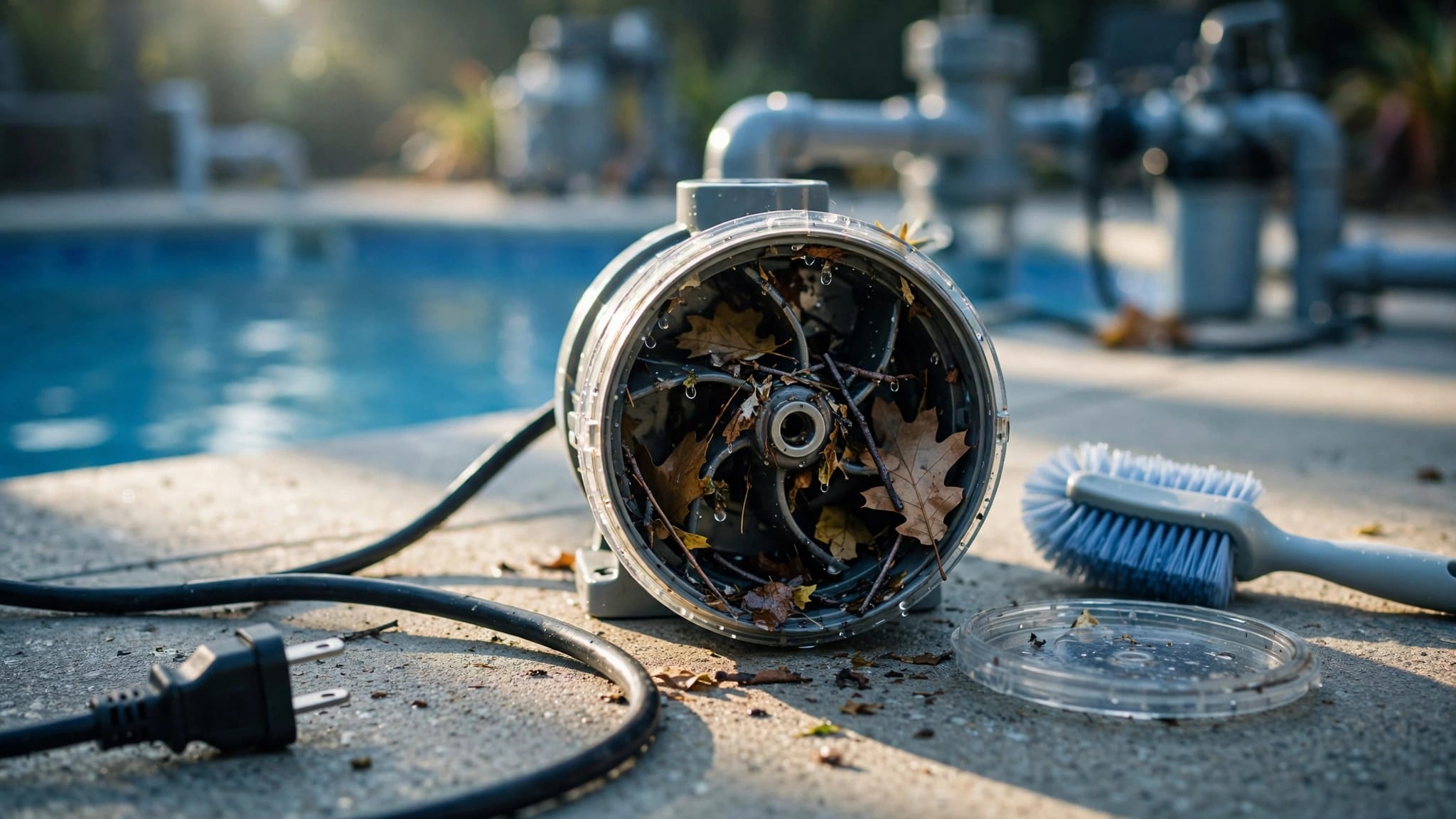
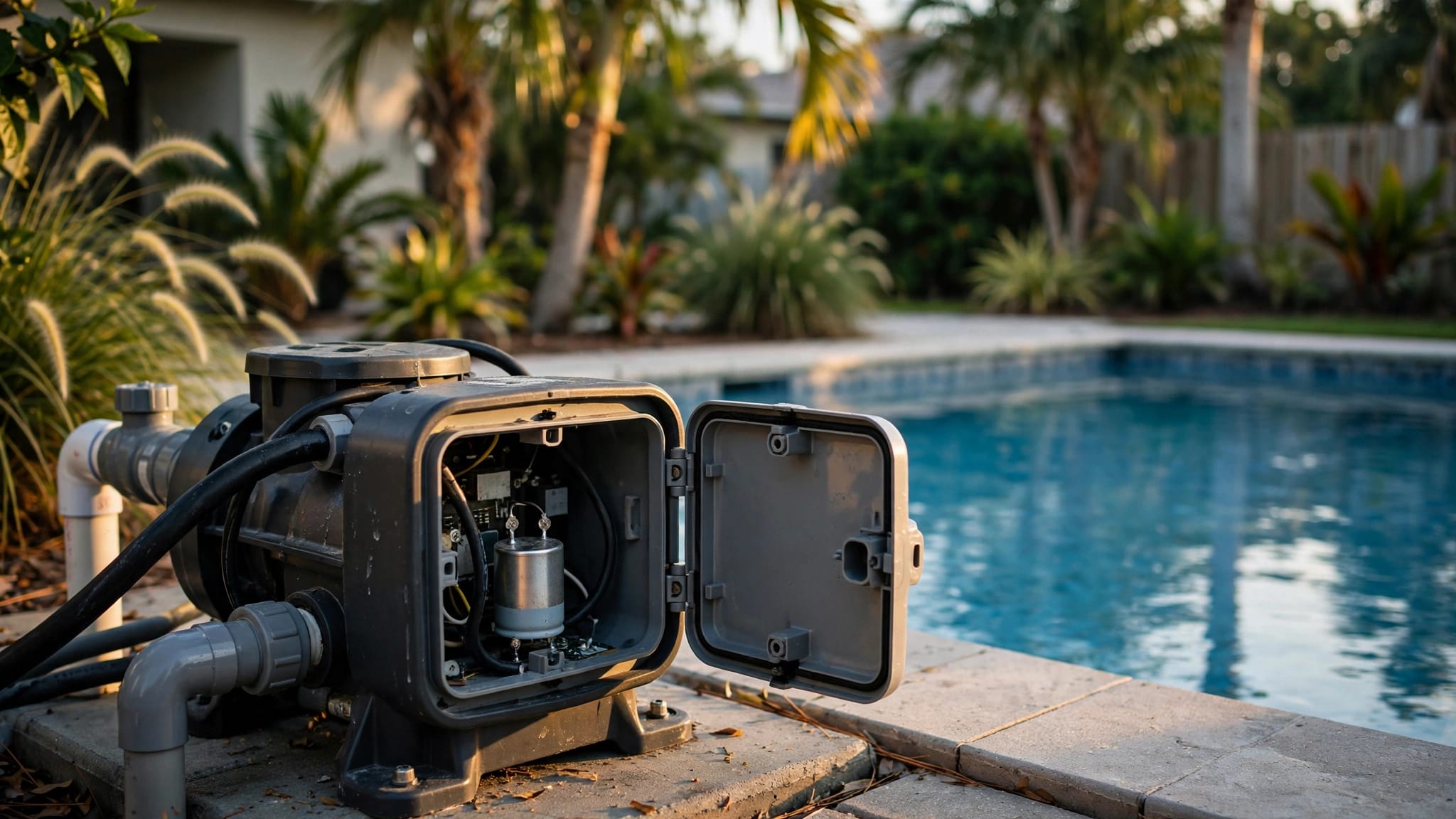
Then inspect the salt cell through its clear housing, if your system has one. Scale, debris, visible damage, or restricted flow can reduce chlorine production. Turn off power at the breaker before opening equipment or handling wiring.
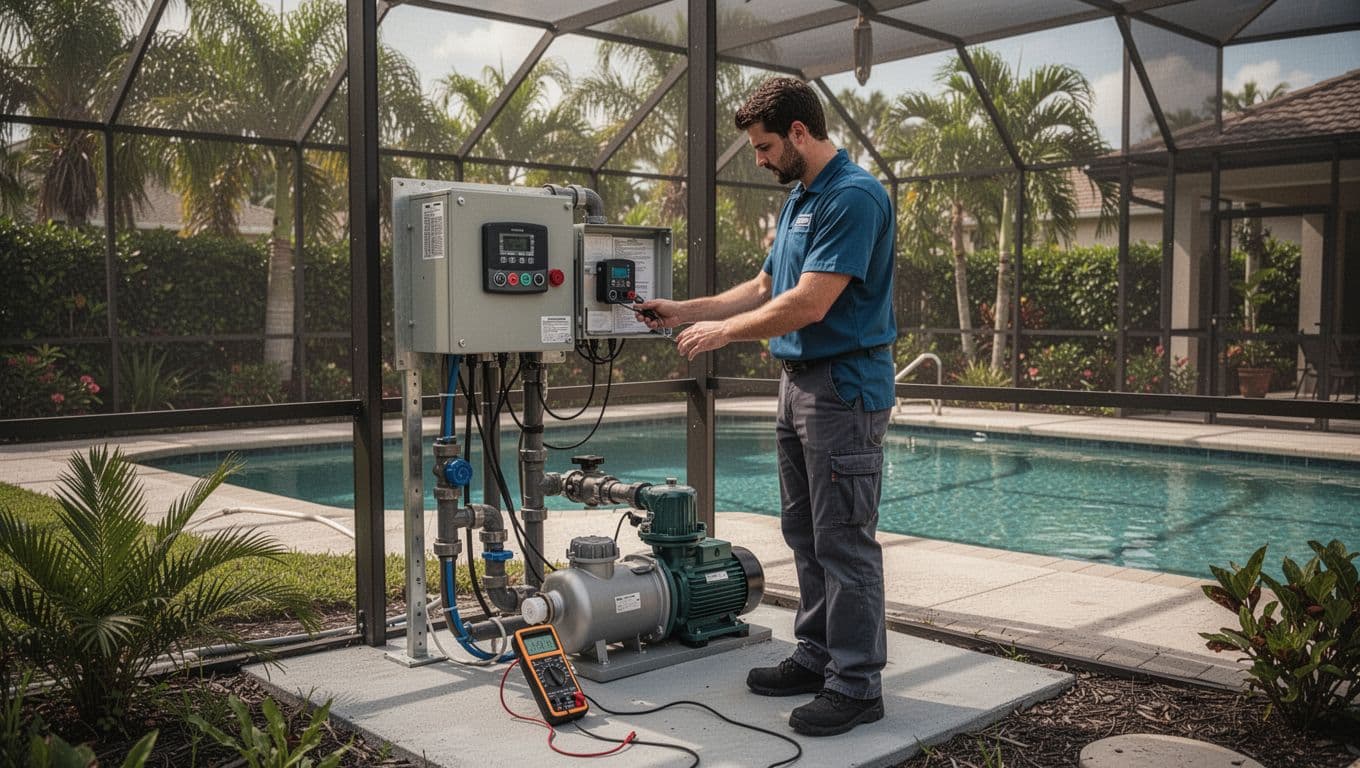
Check Hayward Aqua Rite diagnostic readings
On this controller, press the diagnostic button to access the diagnostic menu. It cycles through important readings, including cell voltage, cell amperage, water temperature, instant salt reading, and software revision.
Use the diagnostic menu to compare readings across multiple cycles, since the unit reverses polarity periodically to reduce scale. Check voltage and amperage in both polarities. A weak reading on one cycle can point to a worn TurboCell, poor connection, or control-board problem.
Don't assume every system uses the same cell. A compatible t-15 cell applies only when that model is installed, and an aging TurboCell can also reduce output.
A false low salt reading can come from scale, cold water, an aging cell, poor connections, or a failing main PCB. Compare the instant salt reading with an independent salt level test before adding salt. If the display still disagrees after cell and water checks, the main PCB may be at fault.
Clean the cell only when it needs it
Inspect the cell several times each season. If scale is present, follow the manufacturer's cleaning instructions exactly. Many cells need only a brief soak in the approved solution. Frequent acid washing shortens cell life, so don't clean a cell simply because the calendar says it is time.
Call a qualified pool professional when the generator repeatedly loses flow, trips breakers, shows inconsistent readings, or produces no chlorine after salt, water balance, cell condition, and runtime are verified. Persistent problems may require testing the main PCB before replacing the cell.
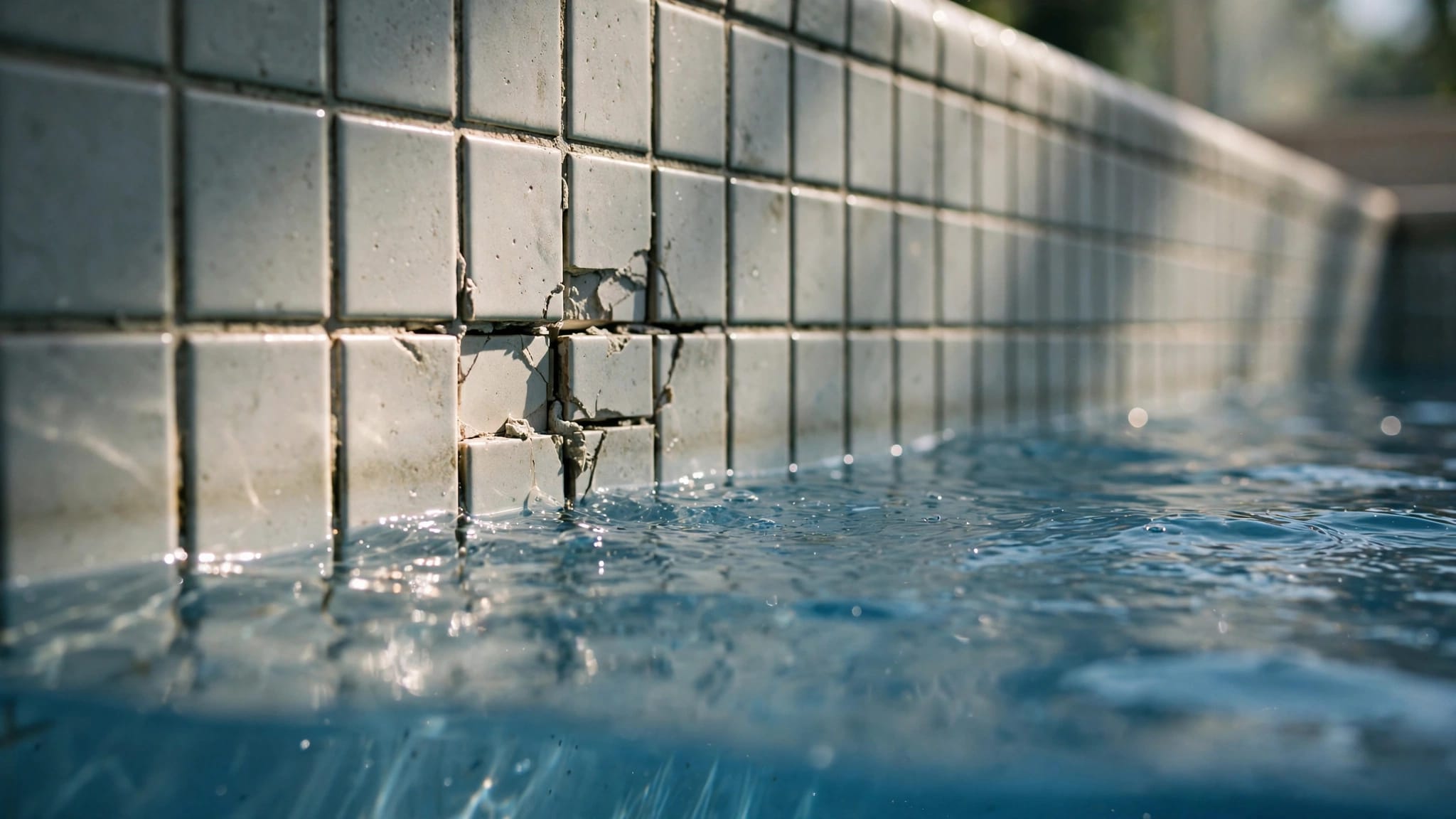
For pools with deteriorating finishes, outdated plumbing, or recurring equipment trouble, Cape Coral pool renovations and resurfacing can address the pool as a whole rather than chasing one symptom at a time.
Frequently Asked Questions
What is a good starting setting for a pool salt chlorinator?
A properly sized system running eight to 10 hours daily may start near 50% output. This is only a starting point, so use free chlorine test results and the manufacturer's instructions to determine the final setting.
How often should I adjust my salt chlorinator setting?
Hold the setting steady for two or three days before evaluating the result, unless there is an urgent water-quality problem. Make small changes of about 5% to 10% rather than changing the output dramatically after a single test.
Does pump run time affect salt chlorinator output?
Yes. The cell produces chlorine only while the circulation pump is running, so a longer schedule can produce more chlorine at the same percentage setting. A percentage without the pump run time does not show the system's total daily output.
Why is my salt chlorinator showing low salt?
A low-salt warning can result from genuinely low salt, scale on the cell, cold water, an aging cell, poor connections, or a control-board problem. Confirm the reading with an independent salt test before adding salt.
Should I increase the setting after a storm or pool party?
First remove debris, verify circulation, and test the water. A temporary output increase or measured chlorine treatment may be appropriate, but the generator should not be left at a high setting permanently without test results to support it.
A Consistent Setting Beats Constant Adjustments
The best pool salt chlorinator settings maintain a steady chlorine level through your normal week. Start with moderate output, follow manufacturer instructions, and use repeatable water tests to guide small changes.
Cape Coral sun, warm water, rain, and guests can shift chlorine demand. A clean cell, balanced water, and stable daily circulation schedule help a salt chlorine generator maintain a consistent sanitizer residual.
If your pool equipment needs an inspection, replacement, or renovation plan, Get a Free Estimate for an on-site consultation.