A power outage can leave your pool pump timer showing the wrong time, running outside its schedule, or appearing to have forgotten its settings. In many cases, the schedule is still saved, but the clock stopped or reset while power was out.
The cause depends on whether you have a mechanical timer, a digital timer, or a larger automation system. Knowing the difference helps you restore circulation safely and recognize when the timer may need repair.
Key Takeaways
- A mechanical timer's dial may stop during an outage, shifting its run times even when the trippers haven't moved.
- A digital timer may lose its clock if its backup power is depleted or its backup system fails. Some models preserve the schedule but still need the time reset.
- Check the display and timer behavior before changing settings. Then reset the clock and schedule according to the manufacturer's instructions.
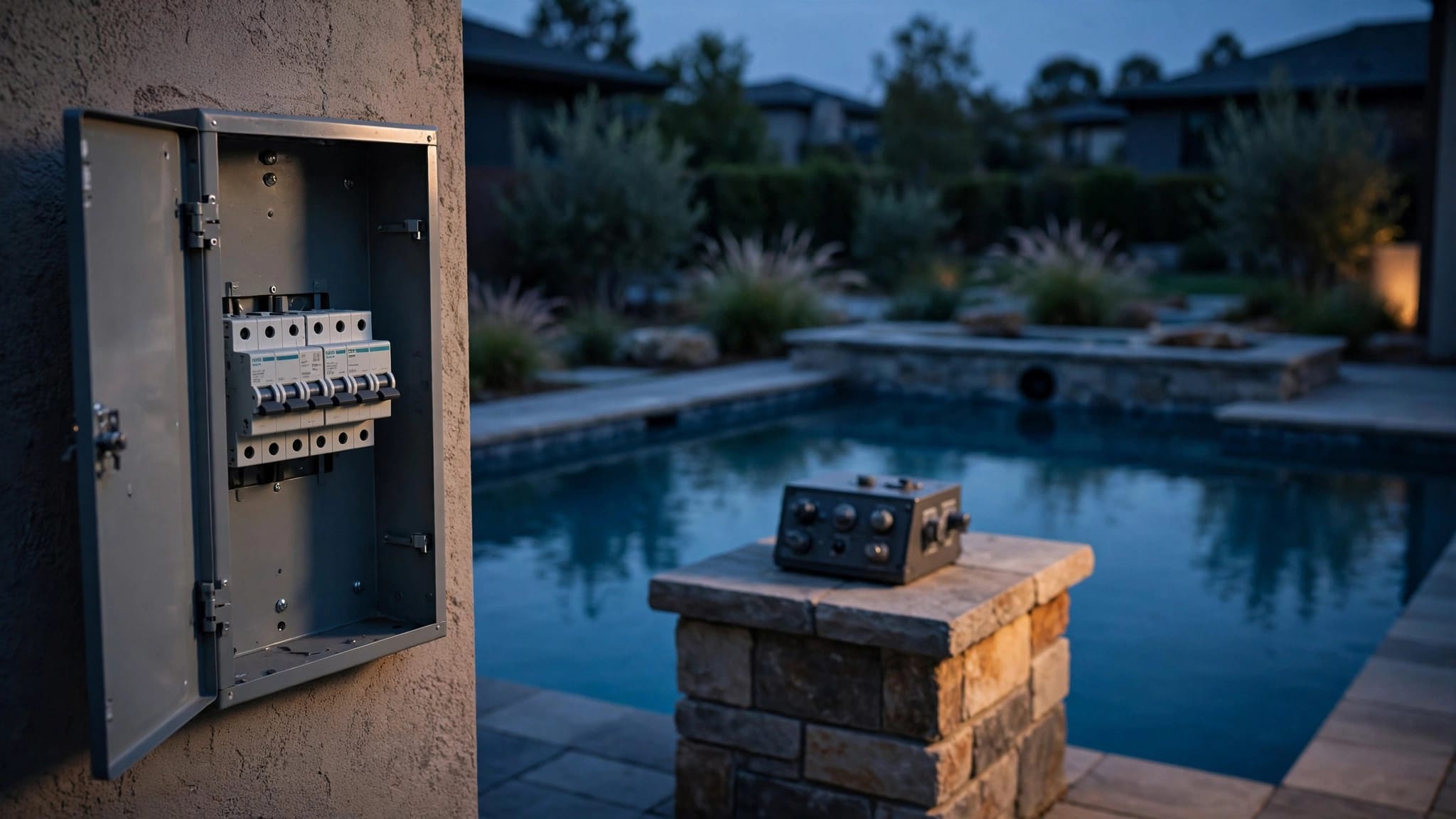
- Turn off power at the breaker before opening or servicing a timer. Never work on live electrical equipment.
- Call a qualified electrician for repeated breaker trips, damaged wiring, signs of overheating, or any repair involving electrical components.
What a Pool Pump Timer Controls
A pool pump timer starts and stops the pump on a schedule. That schedule supports water circulation, filtration, and other equipment that depends on water flow, such as a heater or salt system.
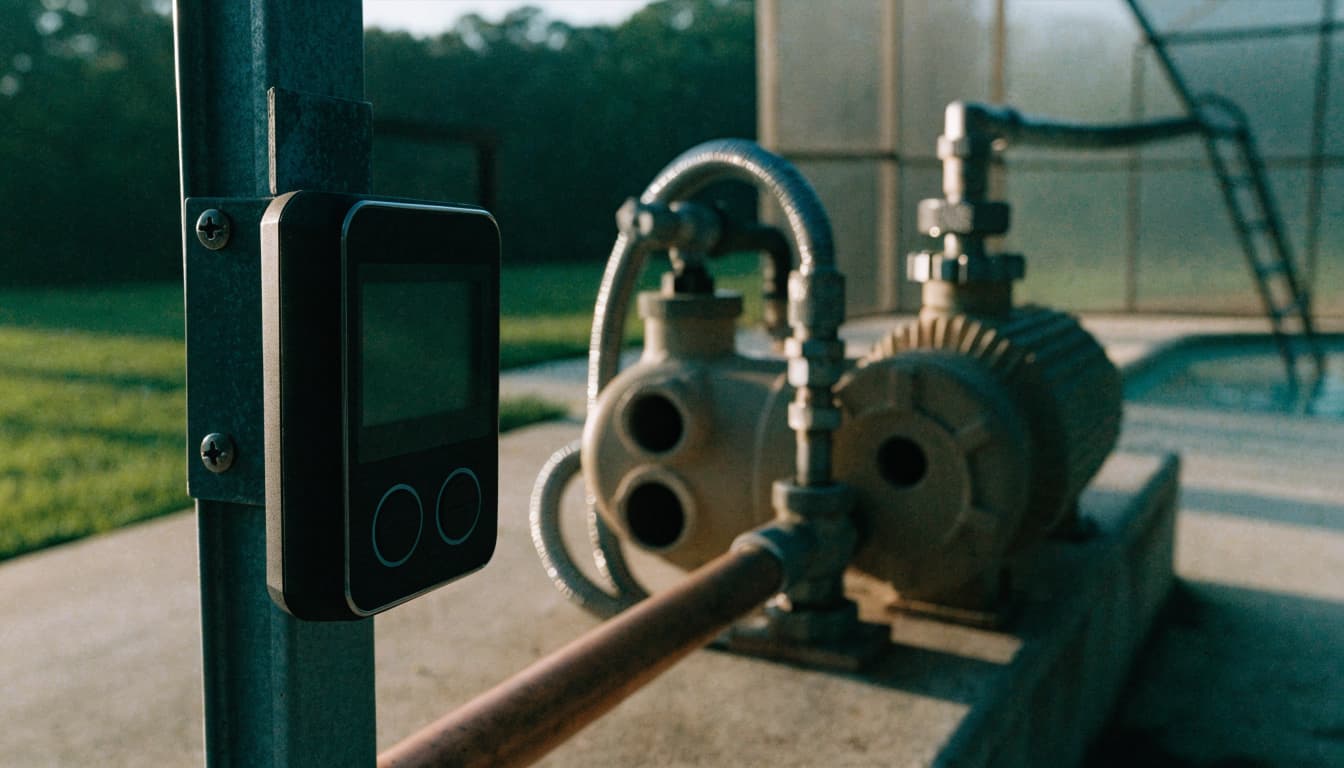
Some pools use a standalone timer mounted near the pump. Others use an automation panel that controls several pieces of equipment. The system type matters because a basic timer may have a physical clock dial, while an automation system can store schedules electronically.
If the pump still runs but starts at the wrong time, the clock or schedule may be out of sync. If the display is blank or the timer won't respond, the problem may involve its power supply, backup system, or internal components.
Why an Outage Can Disrupt the Schedule
A timer needs a way to keep time while utility power is off. When that backup is absent, depleted, or faulty, the timer may lose the current time. The saved on-and-off schedule can remain intact, but it won't operate at the intended hours until the clock is corrected.

Mechanical timers can fall behind
On a common mechanical timer, a motor turns a dial while physical trippers tell the pump when to switch on and off. If the timer loses power, the dial may stop. After power returns, the trippers can still be in their original positions, but the dial may show the wrong time. The pump then runs according to a schedule that has shifted.
Mechanical timers don't all behave the same way. Some have backup features, while others simply stop when power is interrupted. A stopped dial doesn't automatically mean the timer is broken.
Digital timers may keep the schedule but lose the clock
Many digital controllers store the schedule separately from the current time. A brief outage can leave the schedule untouched while resetting the clock. Some models use a backup battery or another form of clock backup; if that backup is depleted or fails, the display may reset when power drops.
Common Reasons Settings Don't Hold
A timer that loses time once during a long outage may be working as designed. Repeated resets or a blank display deserve closer attention.
The clock backup is missing or depleted
Some digital timers rely on a battery to keep the clock running during an outage. A depleted battery can cause the time to reset whenever power is interrupted. The schedule may still be stored, so restoring the clock can be enough to get the pump back on track.
Backup designs vary by model. Follow the product manual for the correct battery type and replacement steps. If the manual calls for opening an enclosure or handling wiring, leave that work to a qualified professional.
An internal component may be failing
A worn clock motor, damaged control board, failing relay, or loose connection can cause erratic timing or prevent the timer from switching the pump reliably. Warning signs include a display that flickers, settings that disappear repeatedly, a dial that stalls while power is available, or a pump that ignores the timer's commands.
Avoid repeated resets if the timer continues to lose settings. The underlying fault may remain, and opening the enclosure without cutting power creates a serious shock risk.
Safe Troubleshooting After Power Returns
Start with observations that don't require opening the timer. If the equipment area is flooded, damaged, or unsafe to enter, stay clear and call a professional.
Check the timer without opening it
Look at the display or dial and note whether it shows the correct time. Check whether the pump is running, whether the timer indicates an active cycle, and whether the breaker appears tripped. Don't remove a cover or touch wiring to make these observations.
If a storm caused the outage, also look for obvious damage from a safe distance. Keep children and pets away from wet electrical equipment, exposed wiring, or a damaged enclosure.
Reset the clock and schedule carefully
If the timer has power and responds normally, use its manual to set the current time and confirm the on-and-off schedule. A mechanical dial may need to be rotated to the correct time, while a digital controller may have separate clock and program settings.
Change one setting at a time. Then observe whether the pump starts and stops when expected. Don't restart a pump if it has lost prime, the water level is too low, or the system appears empty. Use the pump manufacturer's restart instructions or call a pool professional.
Before opening or servicing the timer, turn off power at the breaker. Never remove a cover, replace a battery inside a wired enclosure, or test components while the equipment is live.
Restore a Useful Pump Schedule
Once the clock is correct, confirm that the schedule still suits the pool and equipment. A timer that lost its settings may have stopped circulation long enough to affect water clarity or chemistry. Check the pool and test the water before making chemical adjustments.
For Florida pools, runtime depends on the pump, filter, water conditions, and other equipment. A split schedule can provide circulation at different times of day, but heaters, salt systems, and water features may have specific flow requirements. Follow their manufacturer's instructions, and never run the pump dry.
If you're rebuilding the schedule, keep a simple record of pump hours, water clarity, and test results. Our guide to setting a pool pump timer for efficient circulation covers runtime considerations for Florida homeowners.
When to Call a Qualified Electrician
A timer reset is different from an electrical repair. Stop troubleshooting and call a qualified electrician if the breaker trips repeatedly, wiring looks damaged, the enclosure smells burnt, or you see signs of heat around the timer. Don't keep switching a tripped breaker back on.
Electrical work around pools requires particular care. A qualified electrician can inspect the timer's wiring and connections and determine whether the fault is in the timer or another part of the circuit. If the pump itself is overheating, losing prime, or failing to circulate water, a pool equipment professional can assess the pump and plumbing.
Repair, Replacement, or an Automation Upgrade
If the timer only lost its clock during an outage, resetting the time may solve the immediate problem. If it repeatedly loses settings, stalls, or fails to switch the pump, a repair or replacement may make more sense. Age, condition, safety, and the cost of repeat repairs all factor into that decision. Our article on pool equipment repair versus replacement explains how to weigh those factors.
When replacing a timer, compatibility matters. A newer control panel may need adapters, extra relays, or other equipment changes to work with an existing setup. Pentair, Hayward, and Zodiac offer pool controls, but the right choice depends on the pool's equipment and configuration. Learn more about pool automation systems for Cape Coral homes if you're considering a broader upgrade.
If your timer is part of aging equipment or you're planning other pool improvements, Get a Free Estimate for an on-site consultation.
Frequently Asked Questions
Will the timer's schedule disappear every time the power goes out?
Not necessarily. Some timers preserve the programmed schedule but lose the current time. Others may stop their clock or require a reset after an outage. The response depends on the model and its backup design.
Why did the pump run at the wrong time after an outage?
A mechanical dial may have stopped while the power was off, shifting its timing. A digital timer may have retained the schedule but reset its clock. Correct the time and confirm the programmed run periods.
Can I replace a timer battery myself?
Only follow the procedure in the manufacturer's manual, and don't open a wired timer while it's energized. Turn off power at the breaker before any servicing. If battery access involves wiring or you're unsure how to make the equipment safe, call a qualified professional.
Should I replace the timer after one reset?
A single reset after an outage doesn't prove the timer has failed. If it repeatedly loses time, won't hold settings, or fails to switch the pump, have the system assessed for a depleted backup battery or a faulty component.
Keep the Timer and Pump in Sync
A power outage often disrupts the timer's clock rather than erasing the entire schedule. Check the timer type, restore the correct time, and confirm that the pump runs when expected.
If settings keep disappearing or the equipment shows signs of electrical trouble, stop at safe, external checks and call a qualified professional. A reliable schedule starts with a timer that keeps time and a pump system that operates safely.